Shape Lab · 3 min read
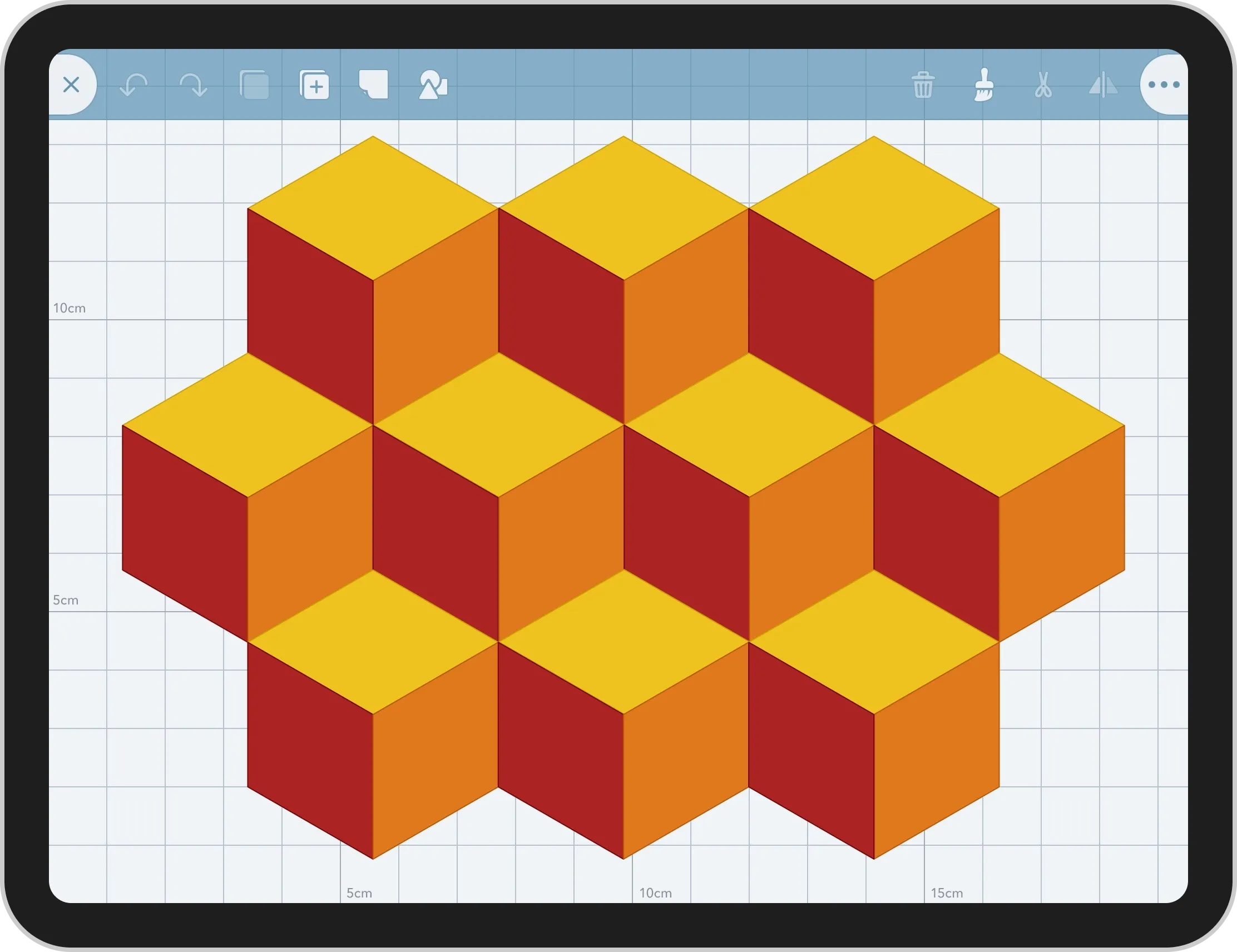
An innovative, open-ended geometry app used by thousands of students and educators, and endorsed by Apple-certified educators
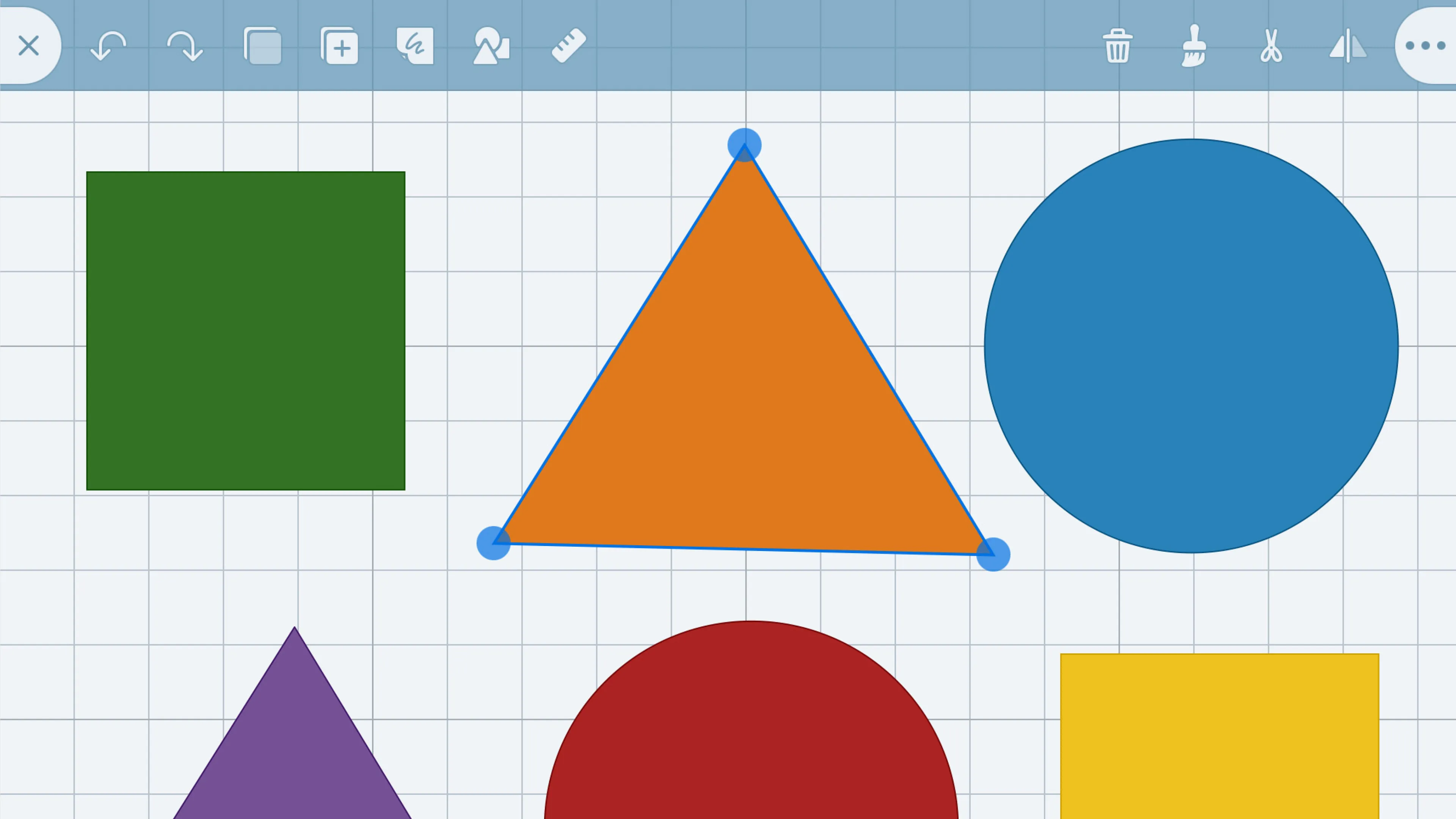
The challenge was to balance learning and curriculum with usability requirements for 5-7 year olds.
As primary schools were deploying iPads to their classrooms, teachers were telling us they had difficulty finding an app for teaching geometry.
In the classroom, teachers need tools that support classroom teaching without trying to replace the teacher.
Core functionality
For a greenfield project getting the core interaction right at the start is important so we don’t have to rebuild the app later.
I collaborated with the education team to interpret the relevant parts of the curriculum and translate those into activities students would need to undertake, and then broke those down into a list of tools needed.
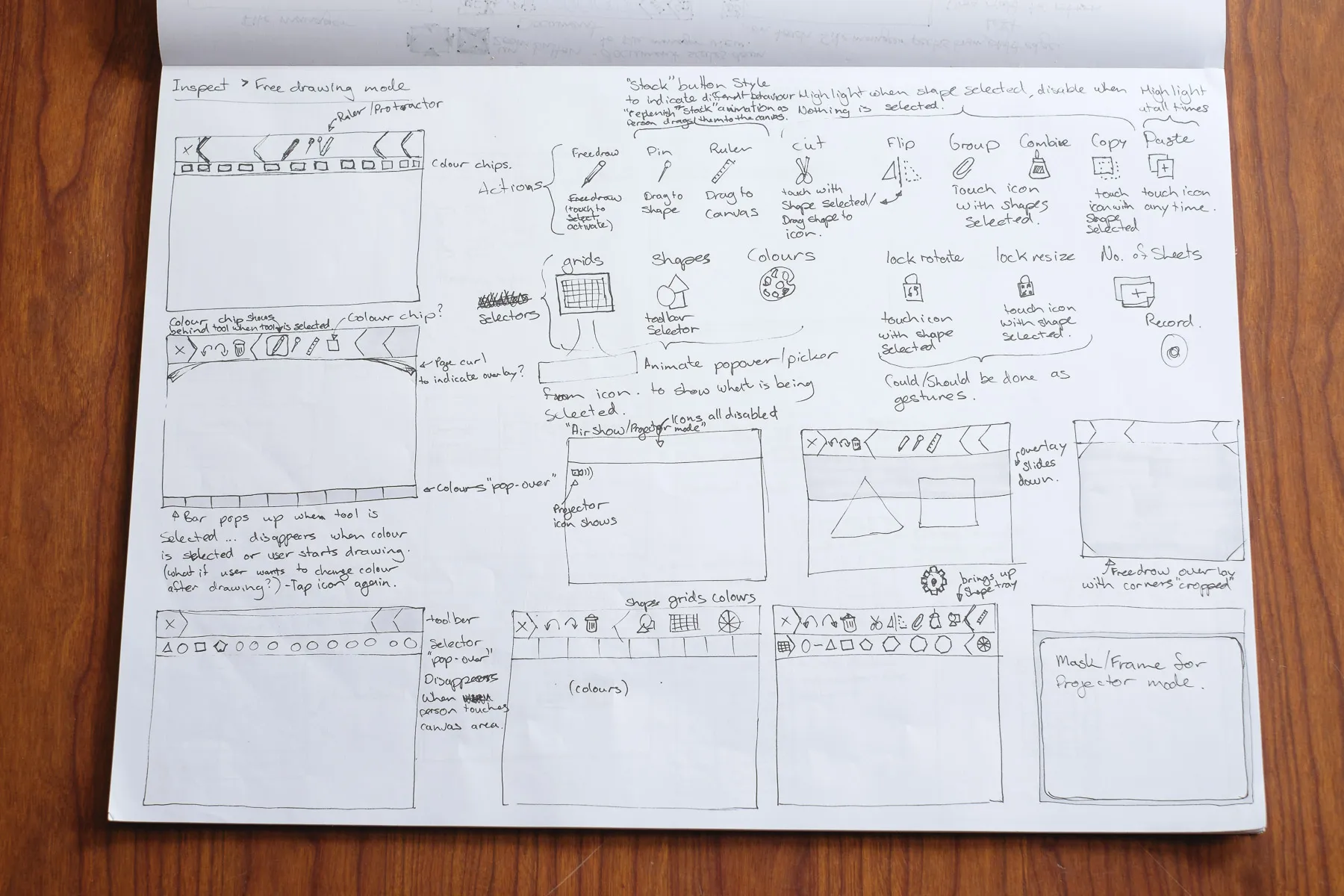
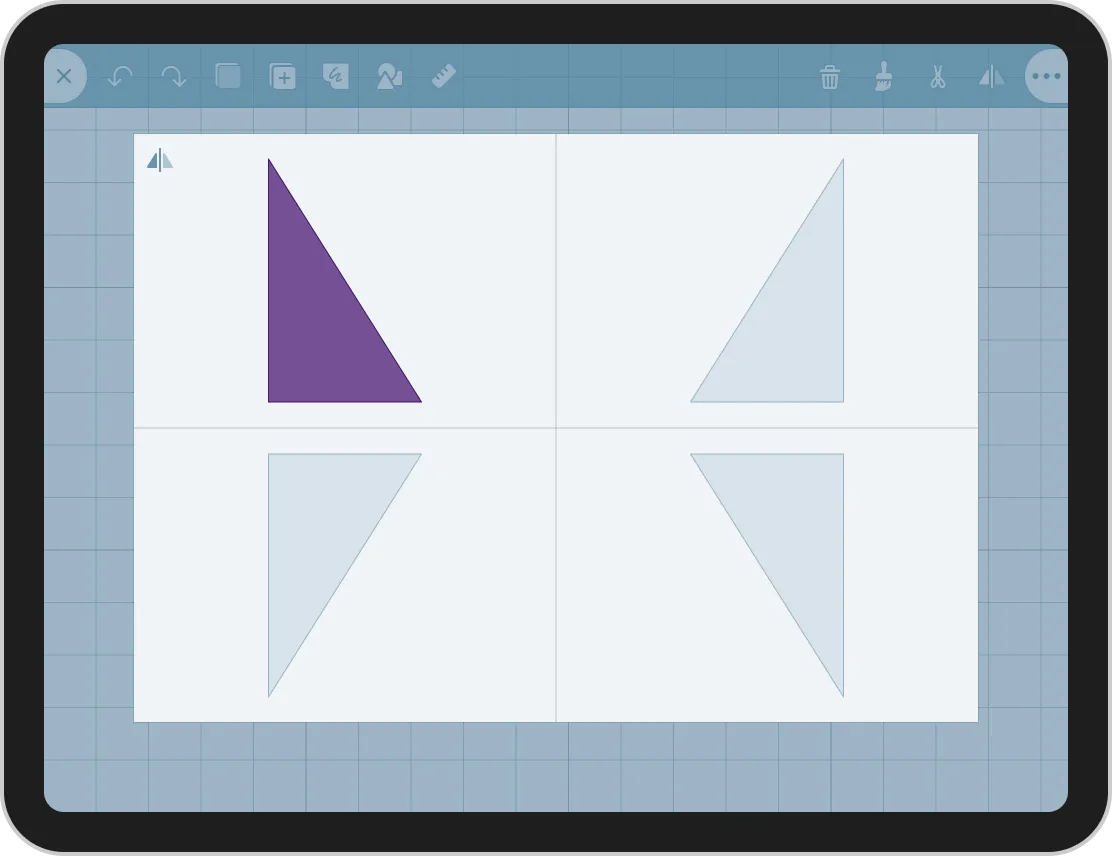
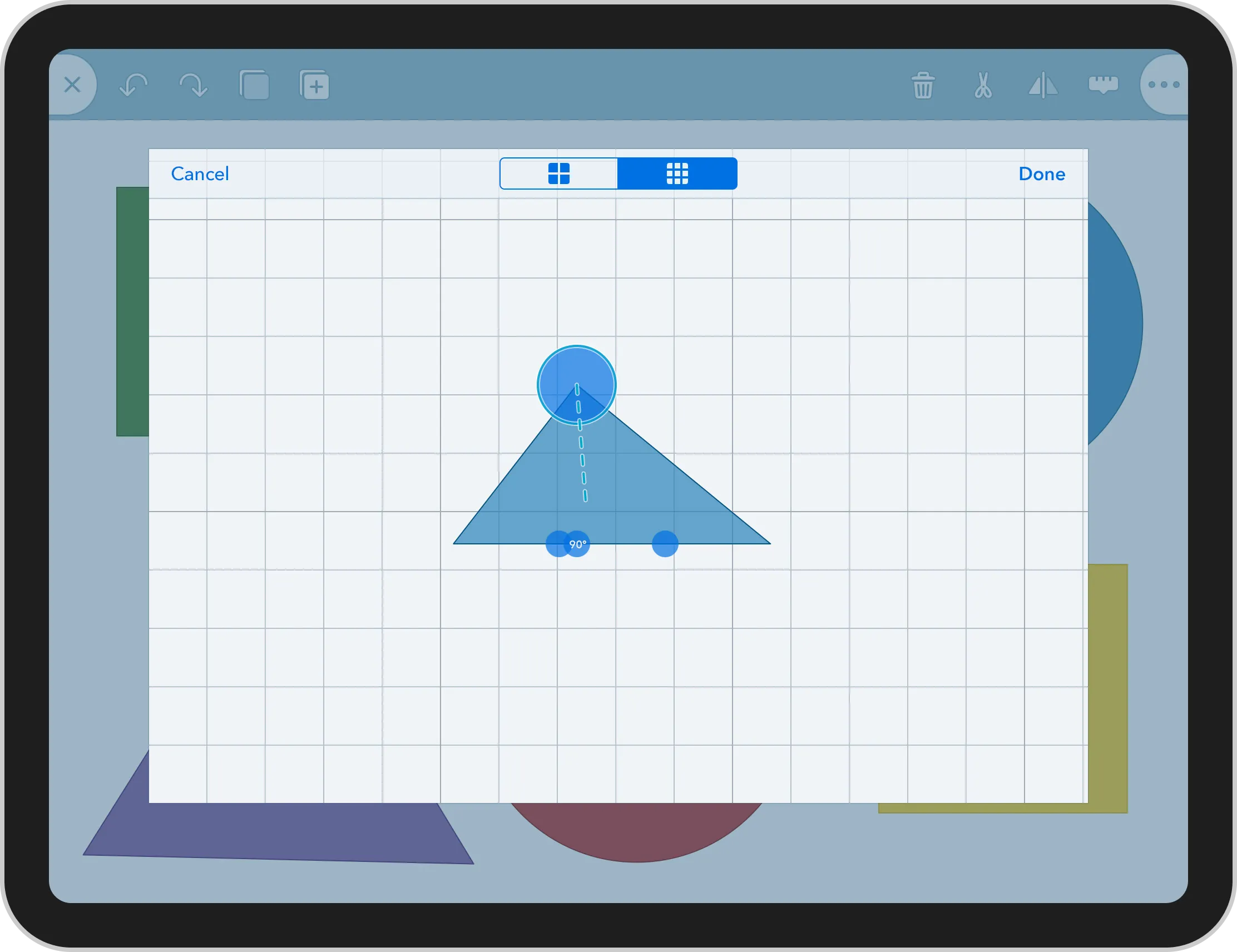
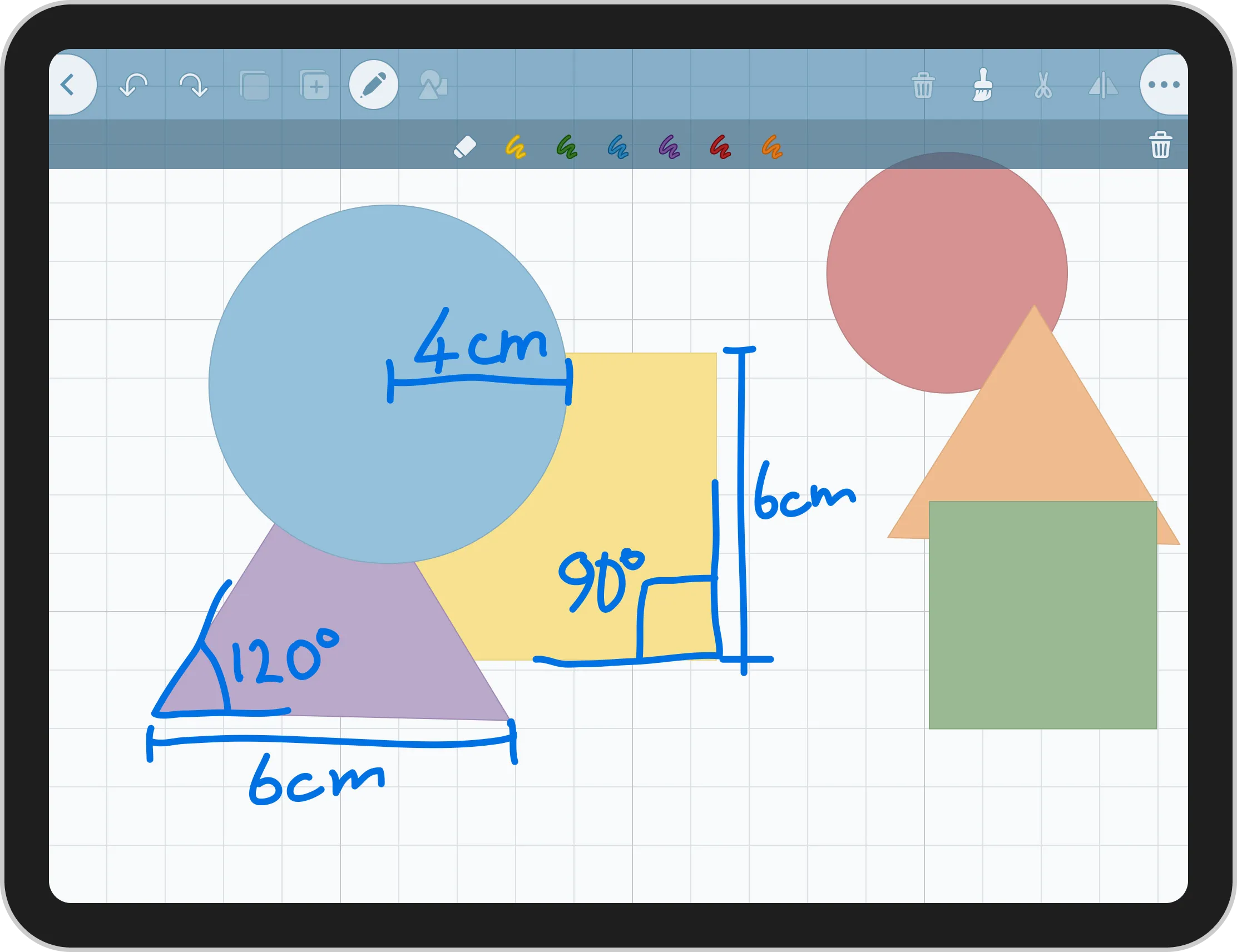
We knew the main input would use handwriting recognition for creating shapes, but there were still a lot of tools that students would need to manipulate shapes.
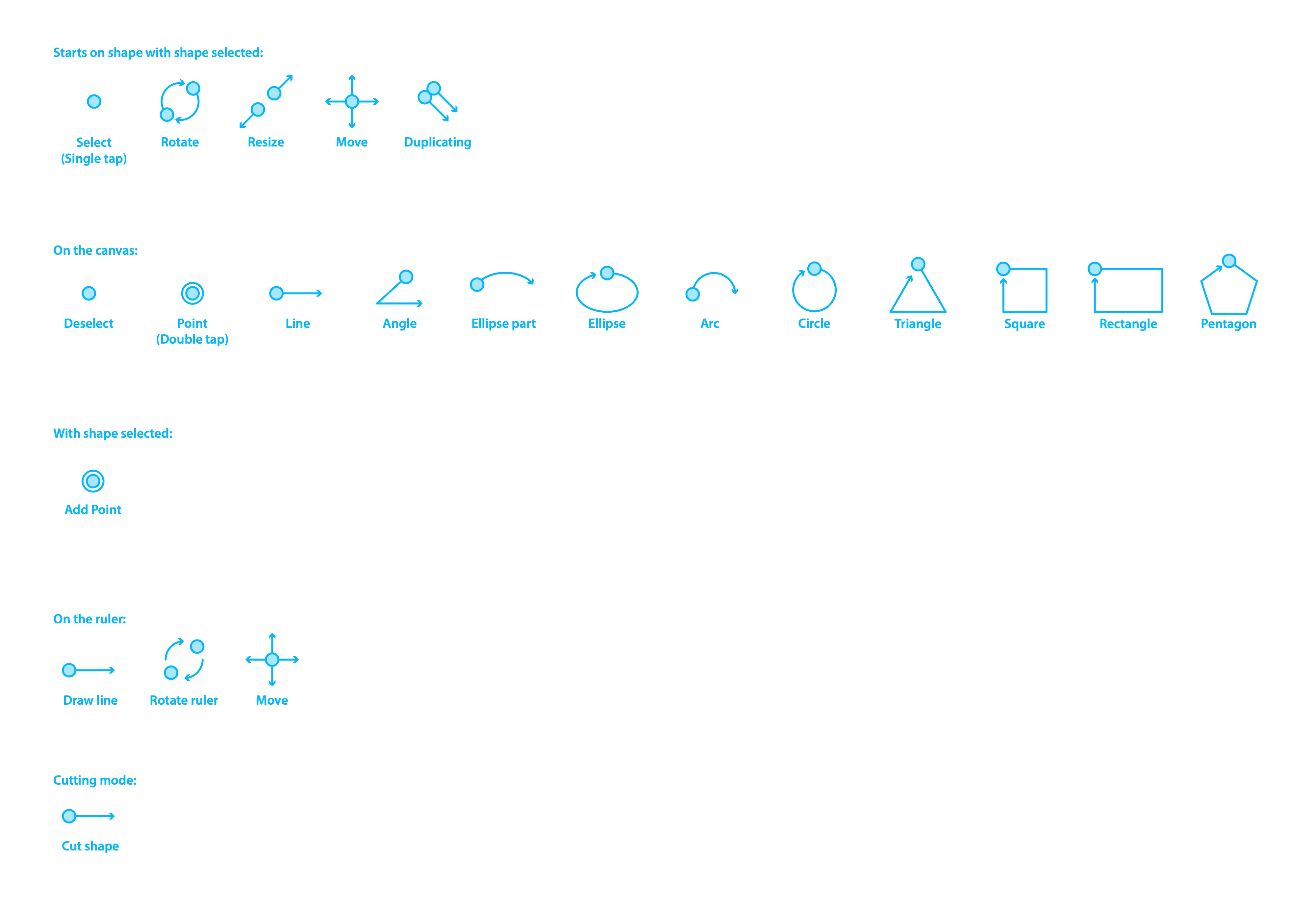
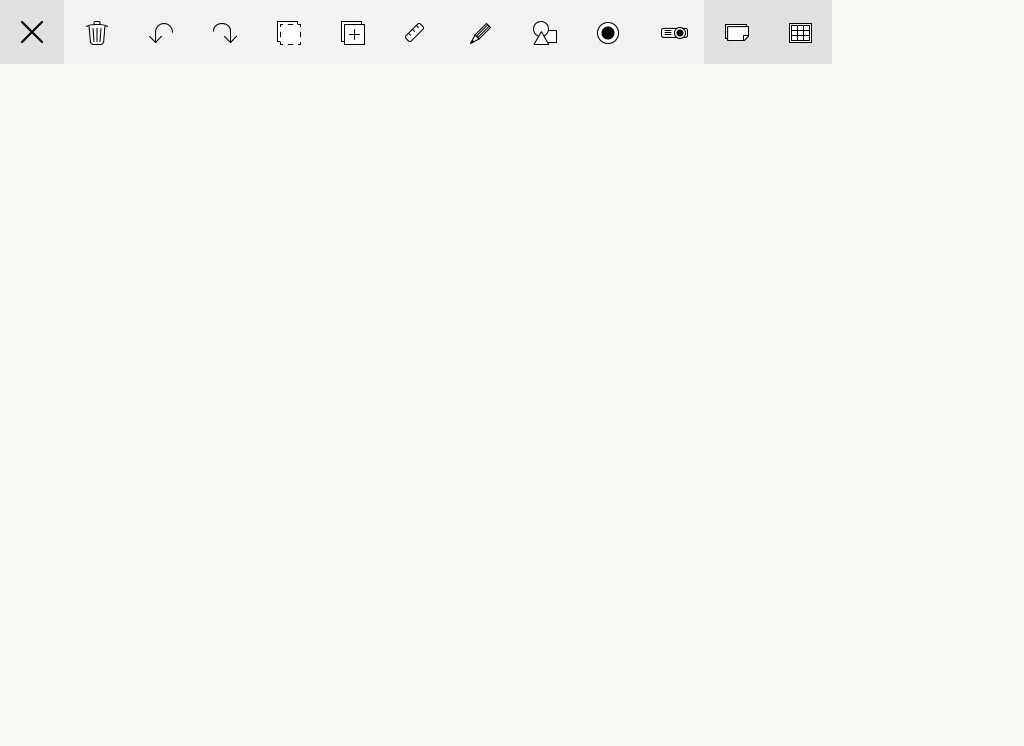
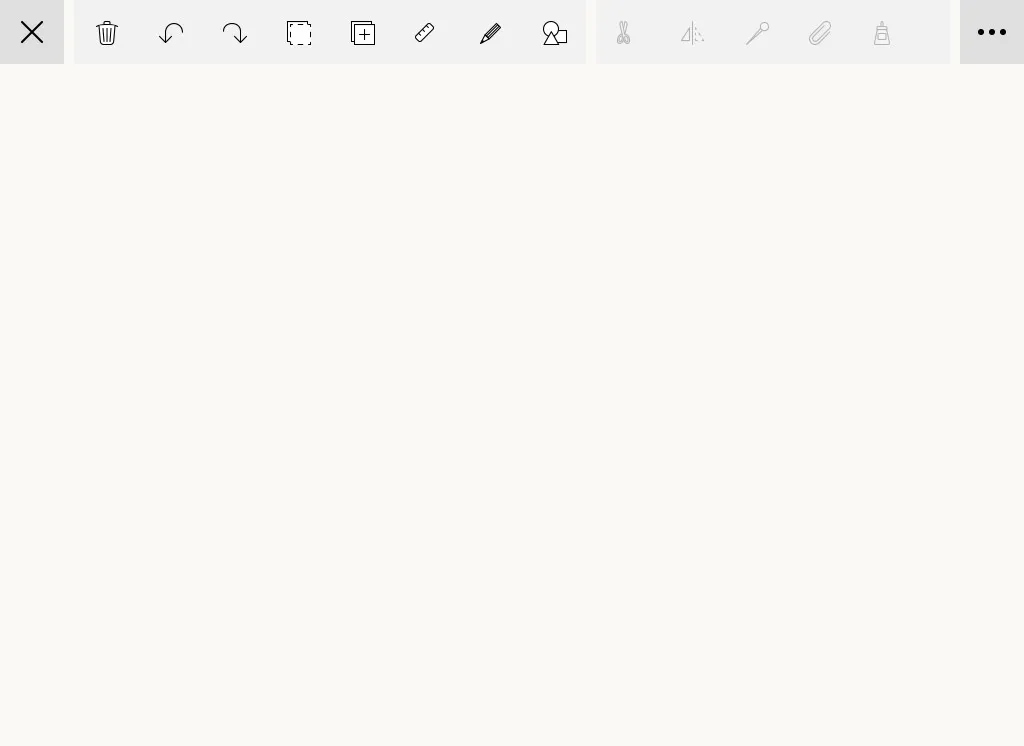
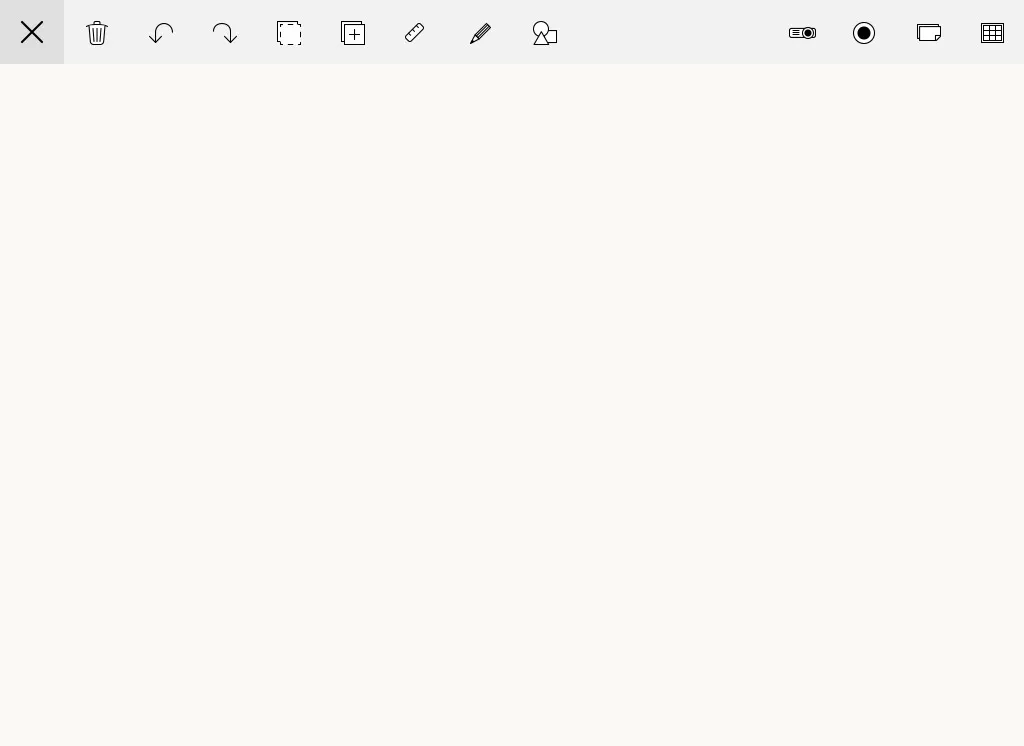
I created prototypes to get feedback from the team using HTML and Javascript for a few different approached to presenting tools. I built them using a wireframe style so that feedback would be focused on the interactions and not the visual design.
In-class validation
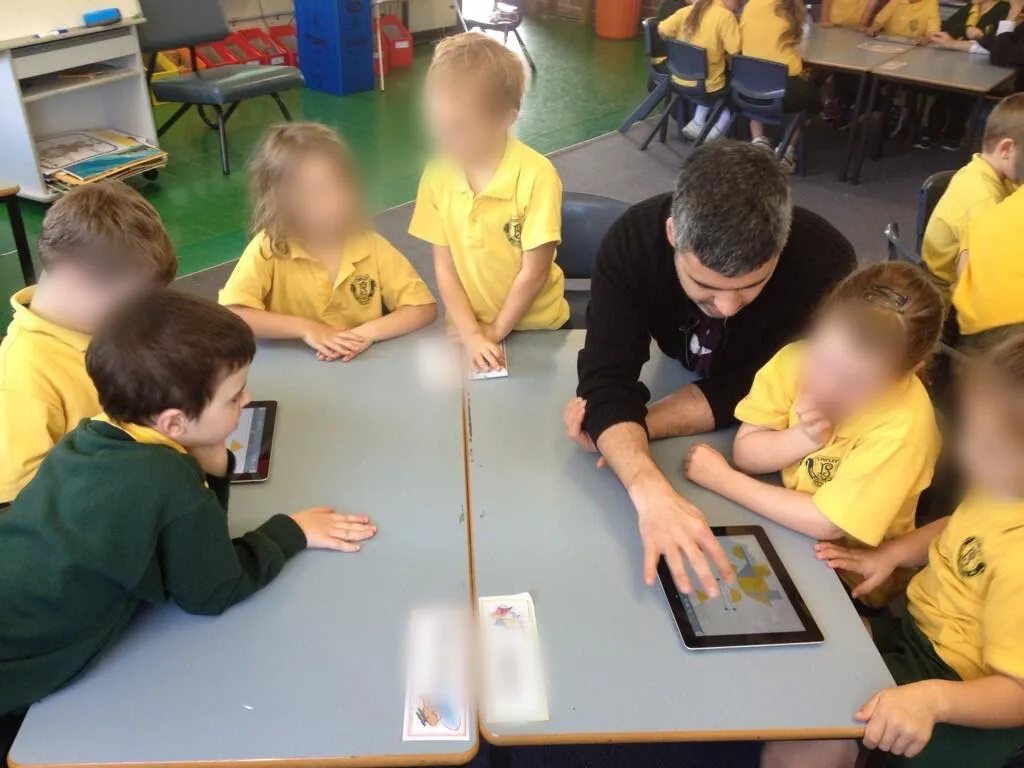
The best way to validate an app intended for classroom use is in the classroom, and testing in classrooms requires teaching an actual lesson.
We built a limited iPad app with the core functionality we needed to test, that students could use for a particular geometry lesson and organised with teachers to present the lesson in classes.
Then I developed a lesson plan with our resident teacher so that we could present a real lesson.
Observations in the classroom
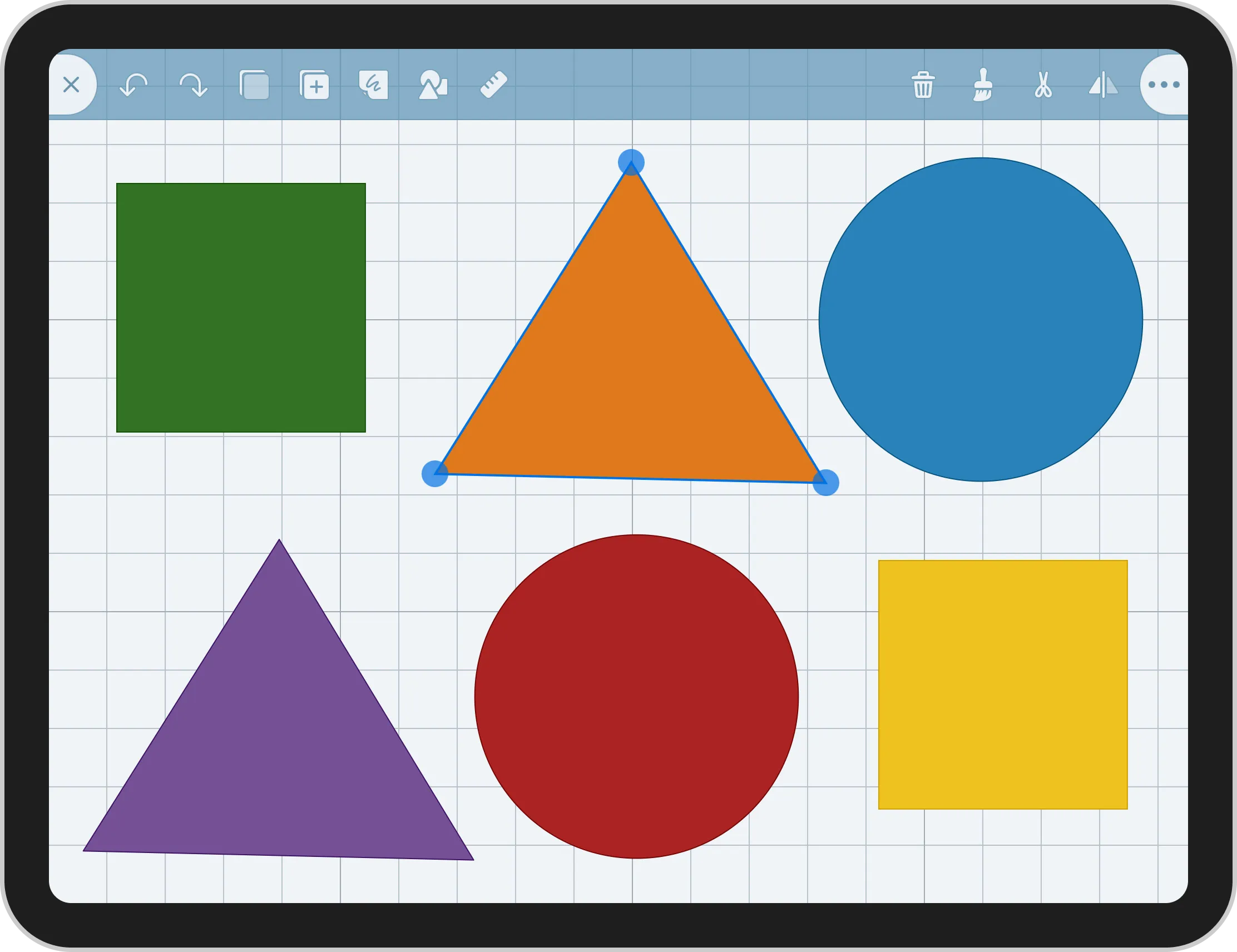
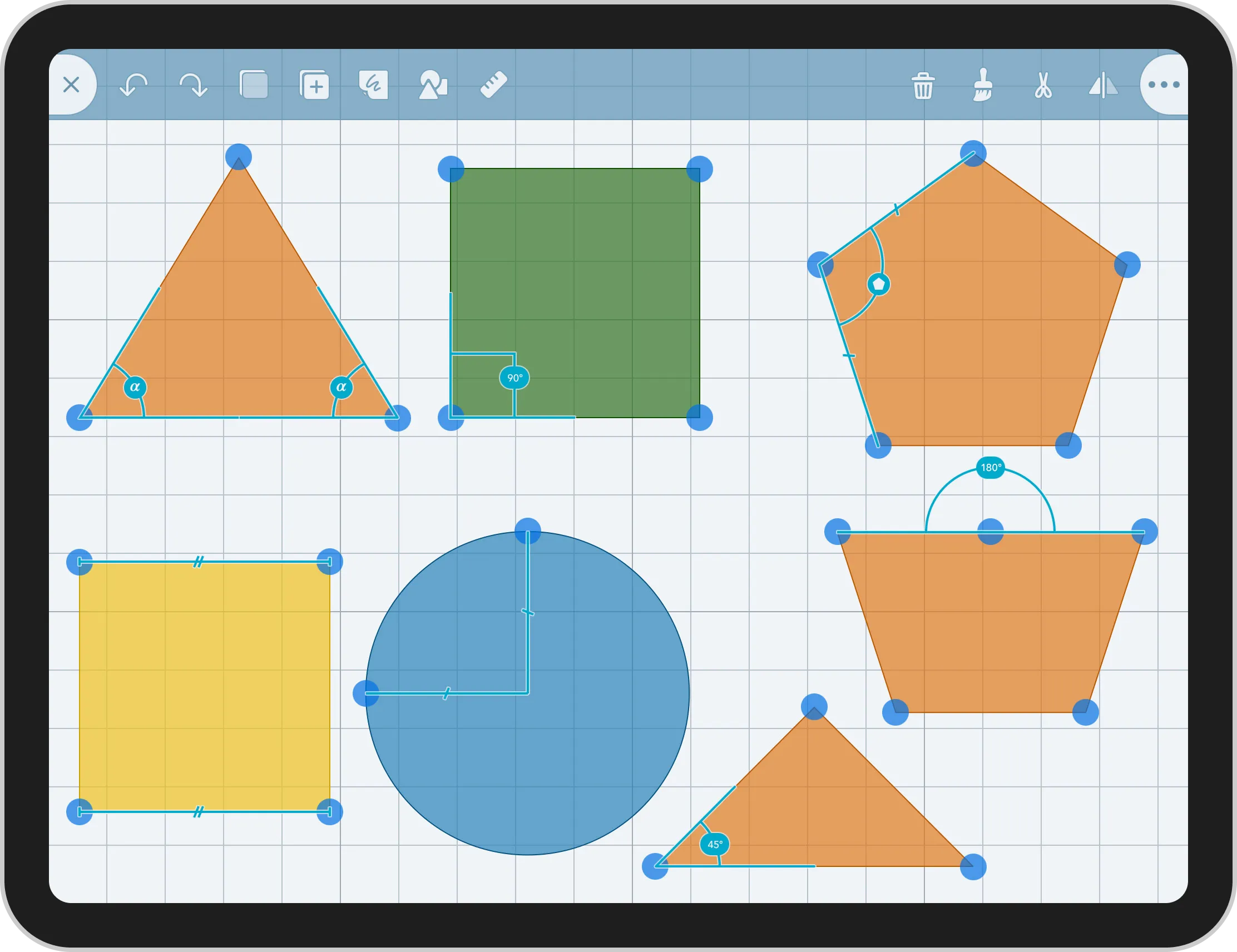
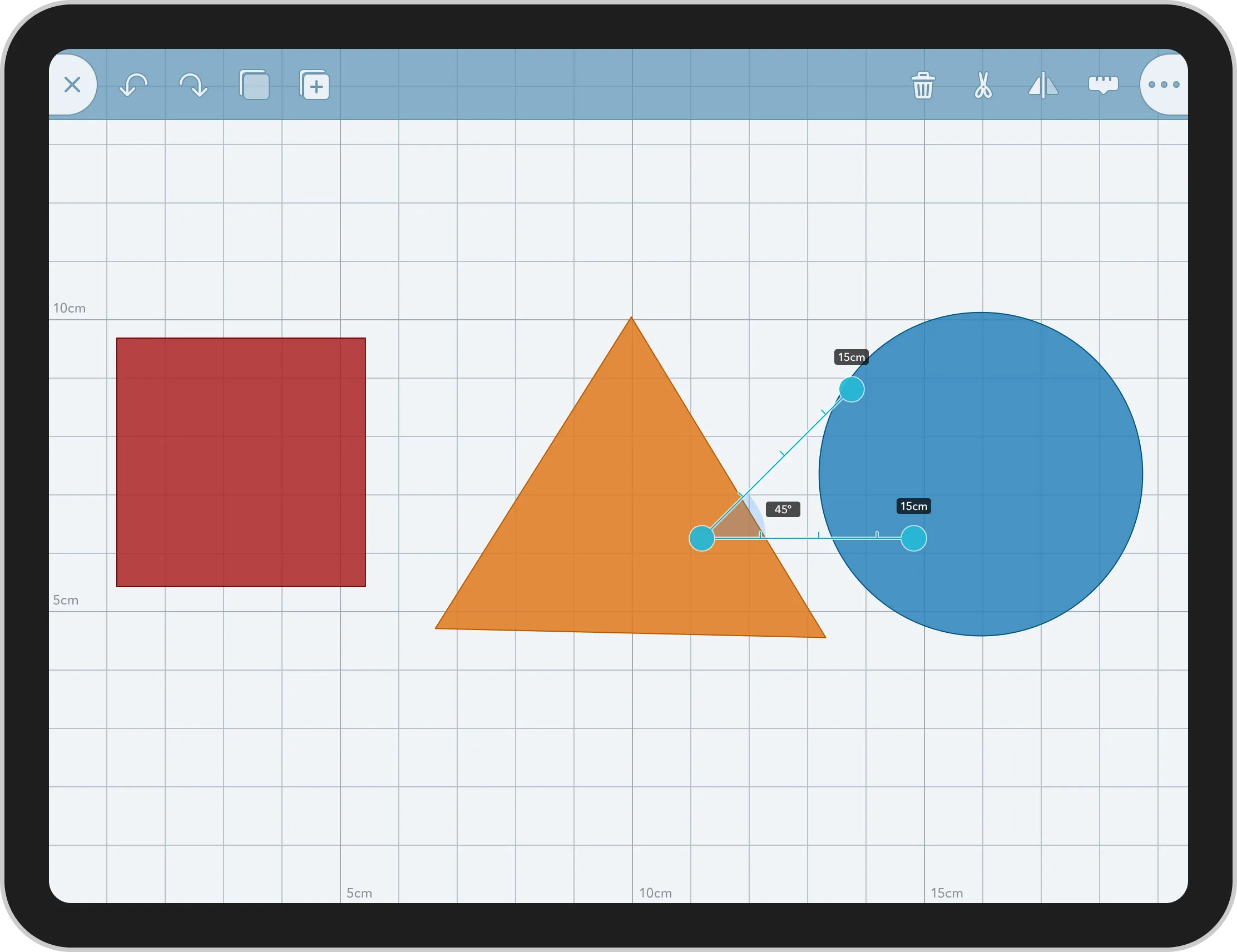
We learned that leading a lesson and giving students verbal instructions is easier when there are less steps, this meant that we needed to keep the tools always visible, and represent them with distinct icons, so that students could find them easily from a verbal instruction.
While observing students use the app, we noticed that if the app crashed that would usually fail to return to the assigned activity and start exploring other apps installed on the iPad.
Even with a teacher present students could quickly get pulled away from the lesson. Preventing crashes was important and we worked hard to find and fix them, but I recognised that we also needed to prevent students from accidentally closing a document while they were working.
Young students are still developing motor skills and with the close button close to other tools on the toolbar we needed a solution that prevented students from unintentionally closing the document they were working in.
I created a pull-to-close mechanism that would allow students to intentionally close a document while preventing accidental activations.
Impact
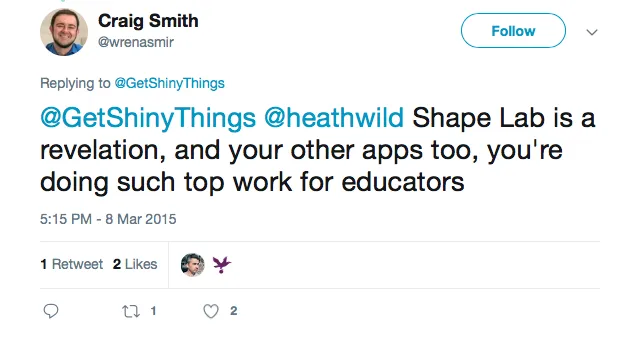
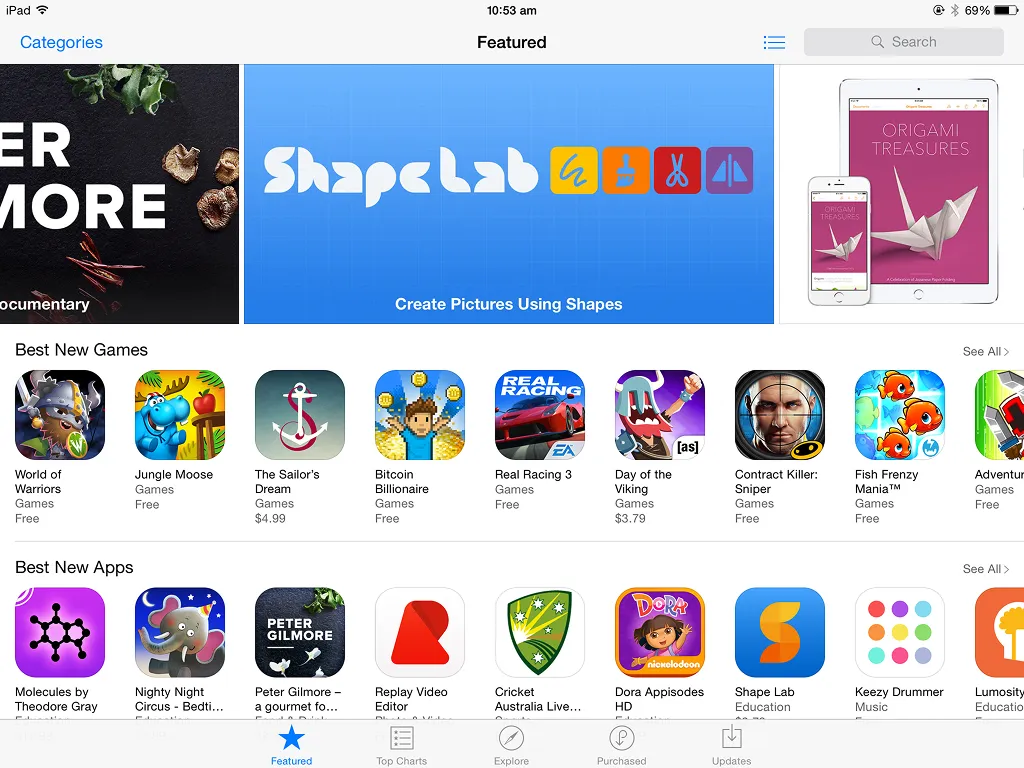
Shape Lab reached thousands of students and teachers. It was endorsed by Apple-certified Educators and featured by Apple in the App Store, featured by Teachers with Apps, as well as receiving 4 star rating by Common Sense Media.
Shape Lab was a feature rich app by the time it shipped. But it took a long time to ship, and when it did there was a lot of pressure to gain a lot of customers quickly. In hindsight shipping earlier with a tighter feature set focused on a specific lesson would have been more effective.
It would have given educators time to learn from early-adopters and build familiarity, while also giving us the opportunity to see how teachers around the world were using the app in their classrooms and giving us feedback to iterate on.
I’ve regularly pushed for this approach in my roles since.