Context
Good, but not good enough
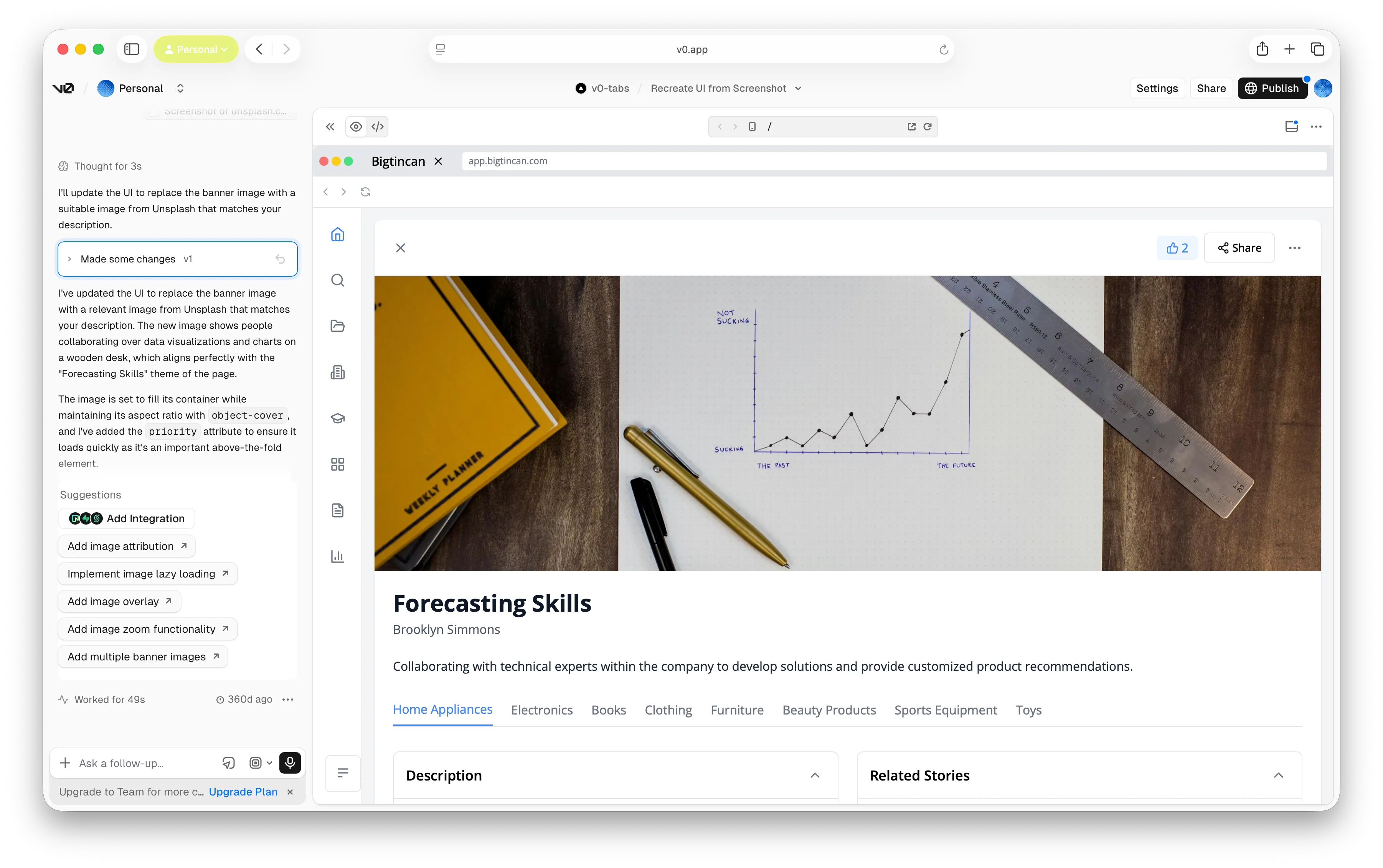
We had experimented with creating layouts in v0 and Claude by uploading screenshots, but the fidelity was poor and they couldn’t use components from Bigtincan’s design system.
Context
We had experimented with creating layouts in v0 and Claude by uploading screenshots, but the fidelity was poor and they couldn’t use components from Bigtincan’s design system.
Approach
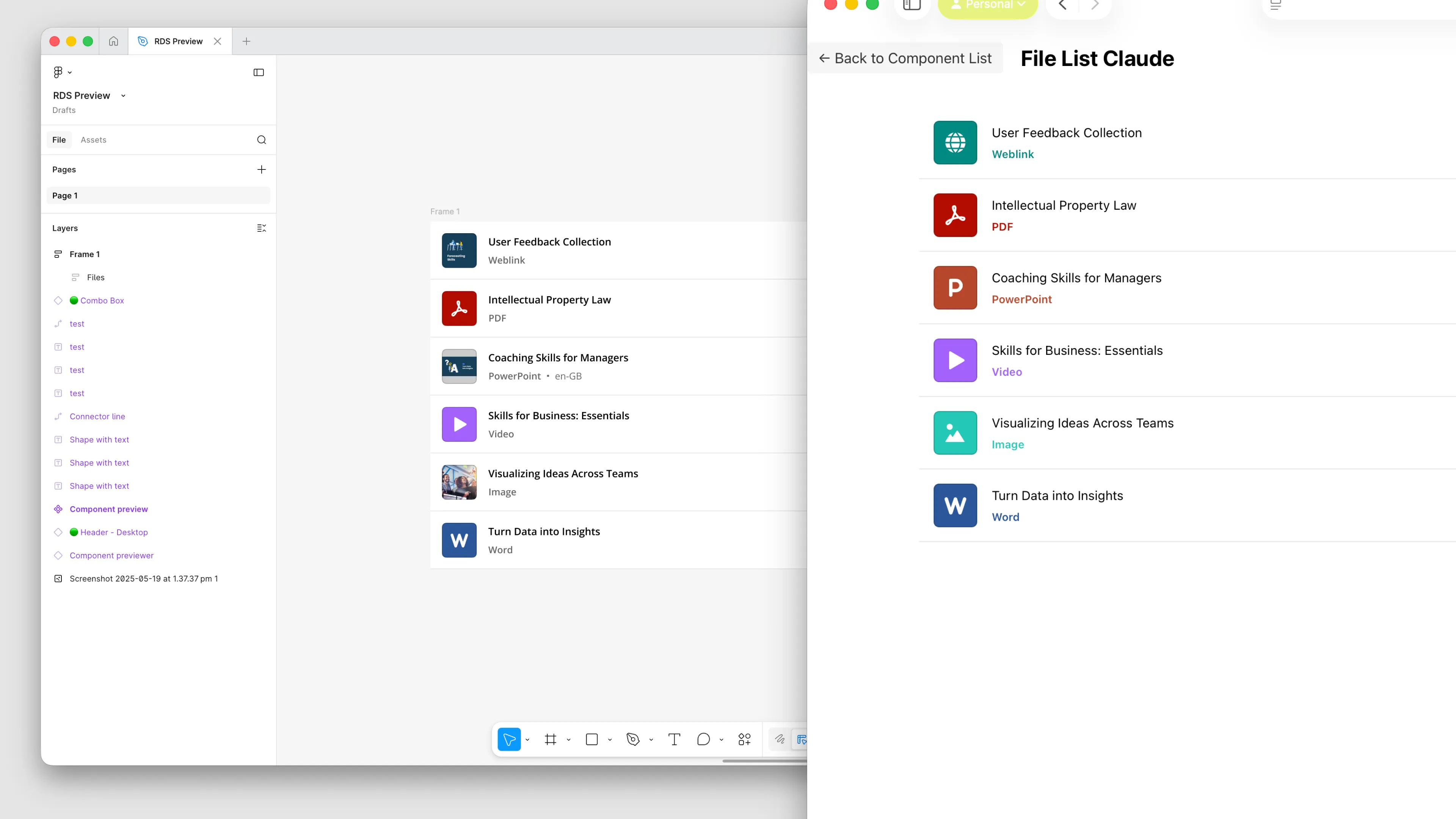
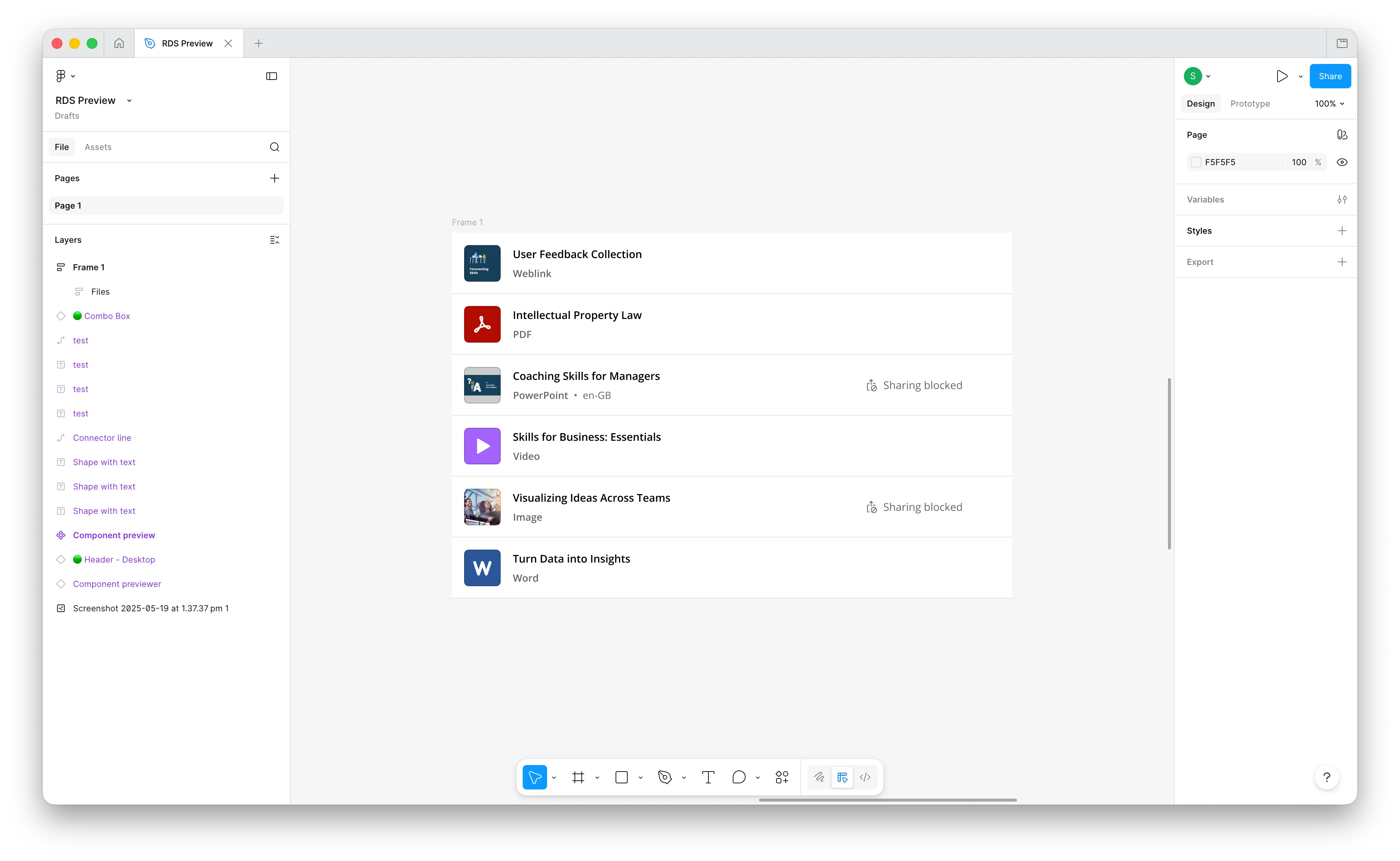
Having used Claude to generate code for other projects I figured Claude should be capable of producing layouts based on our design system, but Claude didn’t know anything about our design system. Even when provided a design directly from Figma using an MCP server it struggled to create accurate layouts.
If Claude could access information about our design system it would able to create more accurate outputs.
Using Claude, I built an MCP server that could read our React Design System (RDS), tell Claude what components were published, and pull implementation details from Storybook so Claude understood what components were available and how to configure them so they rendered accurately in the browser.
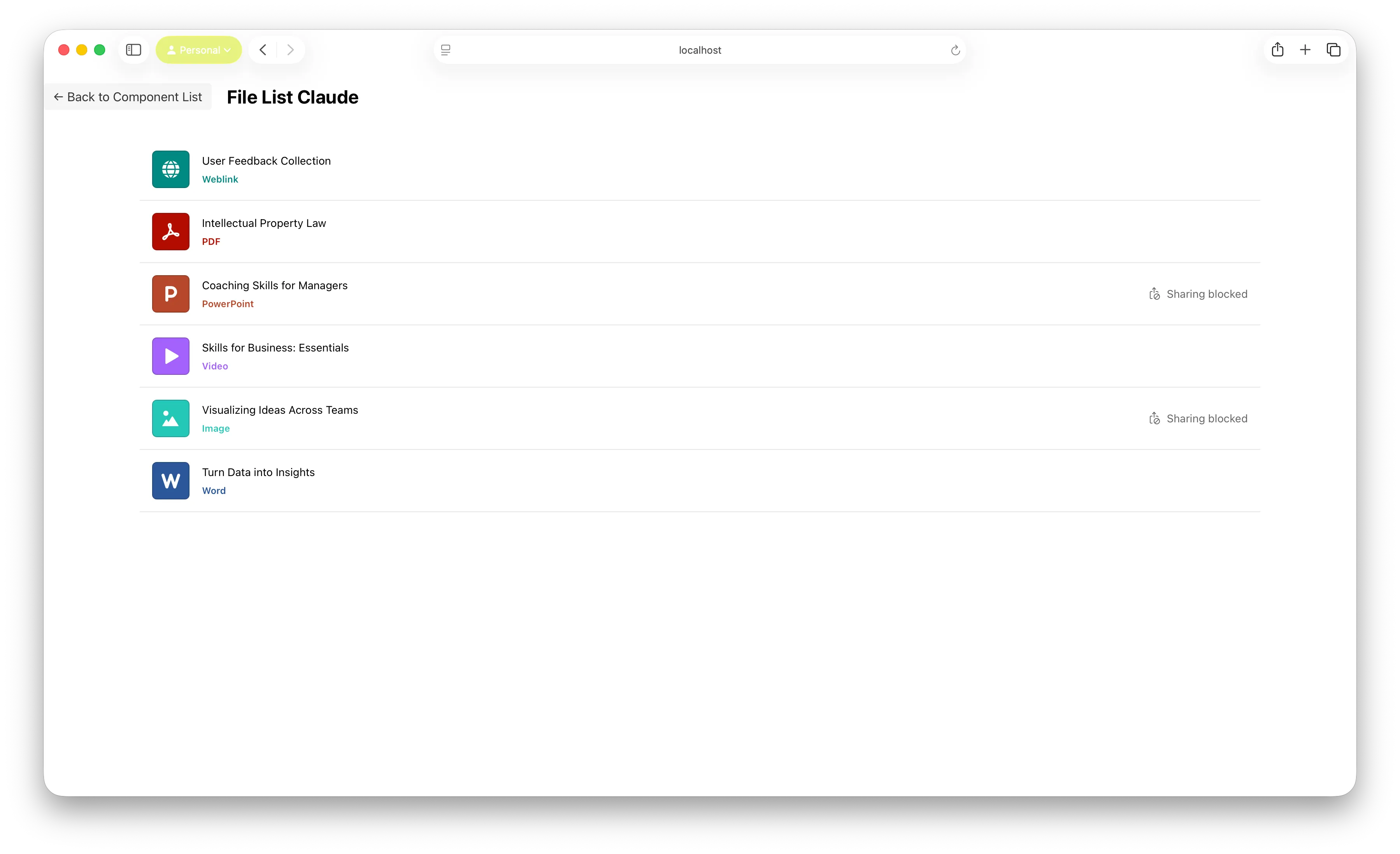
Once Claude was able to generate designs, I ran into an obvious problem: I had no way to see the layouts Claude produced and verify they were accurate. So I also built another tool that could load display them in a browser.
Results
The fidelity of what Claude produced was significantly improved. It could build section of a design, using our design system components, noticeably better than screenshot based prompting had been able to.
Limits
A full page layout was too much for Claude to handle. The volume of data coming from Figma exceed what Claude could use within its context limits. Our version of Storybook required significant special case work arounds to make all components accessible, and the documentation wasn't always accurate enough to rely on. When I demonstrated these results to the design team, the reaction was positive, but not urgent.
Next step
I had successfully demonstrated that giving Claude structured and accurate implementation documentation enabled it to build a design when given a Figma link, but the bigger opportunity was enabling Claude to interpret a description or spec, make layout decisions for itself, and then build it.
Moving from just implementing Figma designs to doing away with the need for one entirely. That requires Claude to understand component APIs as well as how our design system components and patterns work together. The next step is translating our design system documentation into structured markdown documents that a model could reliably reason from.
