Building Figma plugins tailored to our design system saved 100s of hours in repetitive, error-prone work
Since Bigtincan adopted Figma I created 14+ plugins aimed at automating tedious or error prone work to improve efficiency and communication with other teams.
Context
Multiplying Team Effectiveness
When I find tasks that are repetitive and error prone, I look for ways to automate it. Publishing plugins inside an organisation in Figma means you can create plugins that solve very specific problems or workflows for that organisation.
In the four years since Bigtincan adopted Figma, I have created 14 plugins. The more successful ones include:
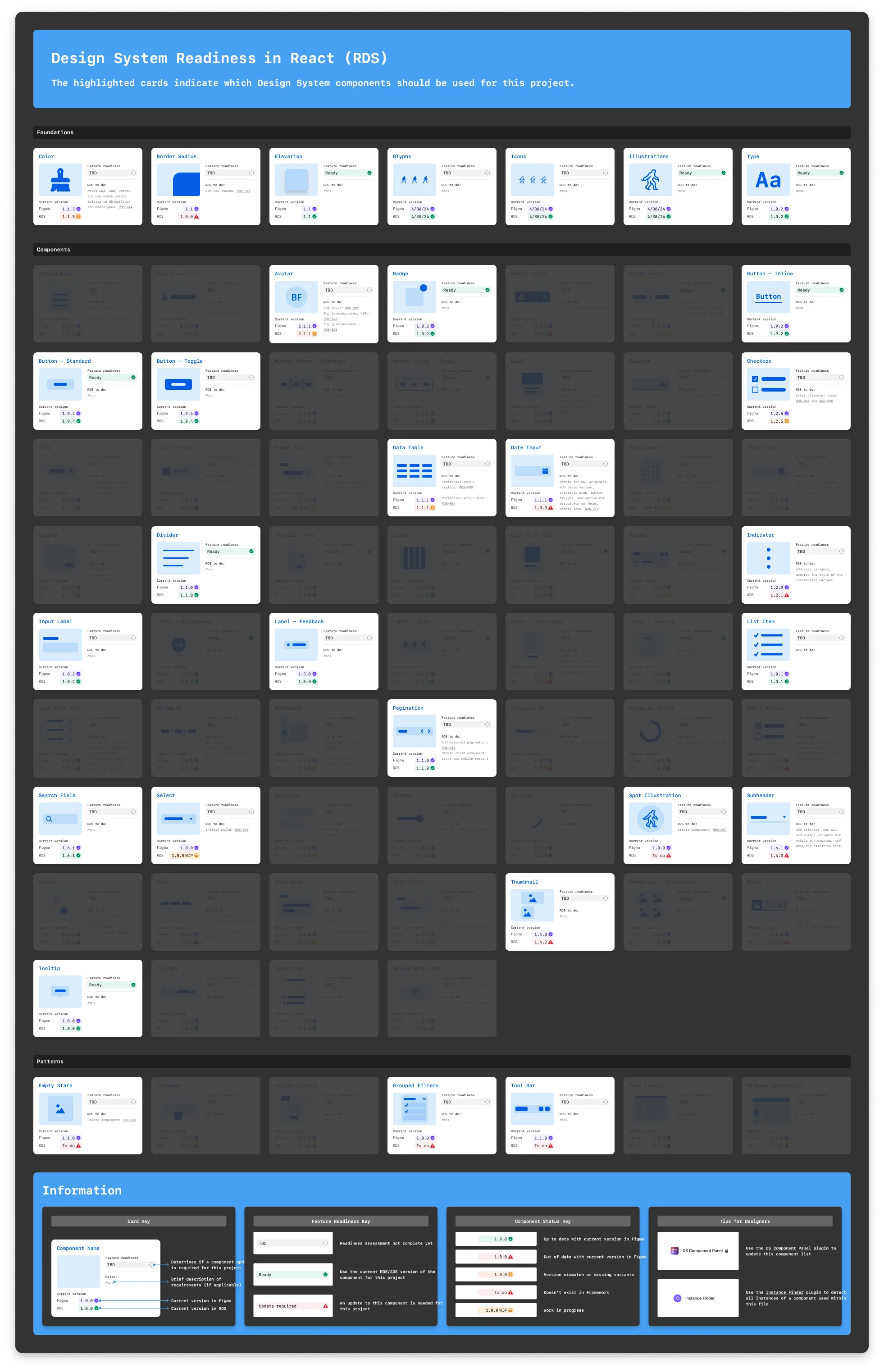
DS Component Panel, to assist in design system prioritisation
Edit Date Updater, to improve design dev communication
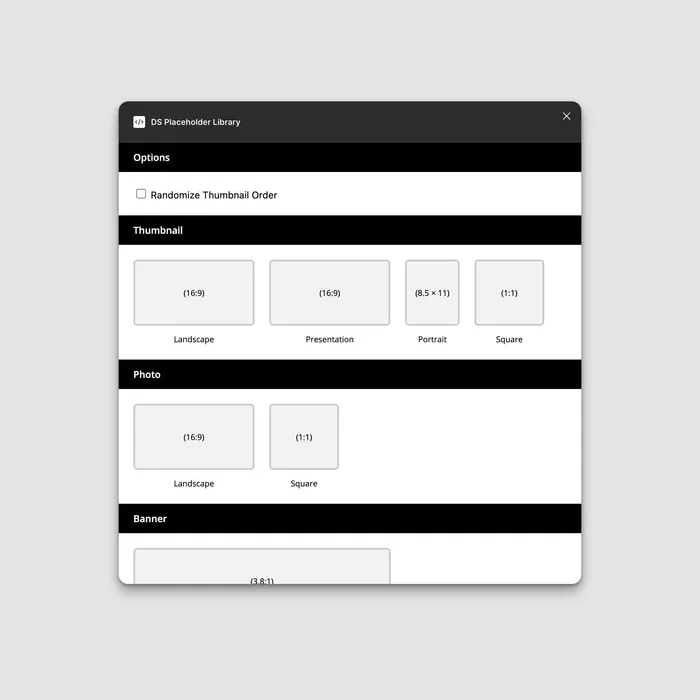
DS Placeholder Library for mockup variety
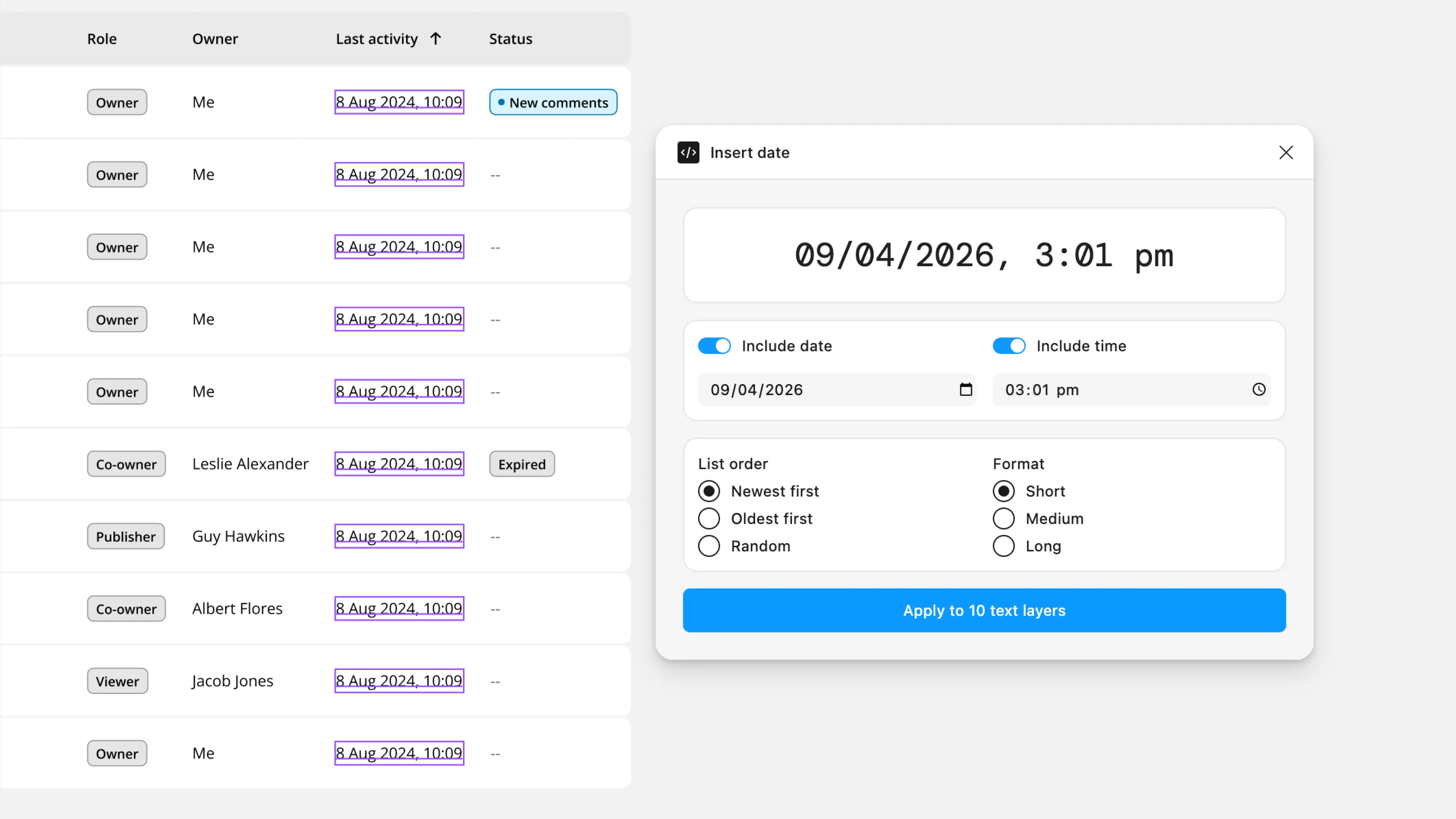
Insert Dates to generate dates for data heavy interfaces
AU2NA Spell checker to highlight Australian spellings
Both plugins were used consistently for 2.5 years (April 2022 - mid 2024), returning time to actual design work instead of manual updates.
Plugin 1
DS Component Panel
The component panel that was updated but DS Component Panel
During our early design system rollout, the design system team wanted to know which components were used in a design so they could effectively prioritise components that would be needed for upcoming feature implementations.
They created this panel and asked product designers to keep it up-to-date for easy reference. However, combing through a 10s of screens and identifying every component that had been used was time-consuming and error prone. With 7 designers doing this for every screen it quickly became clear that it should be automated.
To automate this task I built DS Component Panel plugin which scanned every screen on a page and catalogued which design system components were being used and updated the cards for each of those components.
Plugin 2
Edit Date Updater
A particular development team had a habit of starting to build before designs were finalised, then getting frustrated when designs were updated, creating tension with designers and wasted development effort.
As part of addressing this problem the Figma design template was updated with status banners, however this added the task of updating a banner for every screen.
To complement the banners I built Edit Date Updater. When the plugin was originally created it merely updated a timestamp in the page name. With the addition of the new banners I updated the plugin to also update any banners inside the current selection. This meant designers could selectively update the banner for specific screens that had been updated.
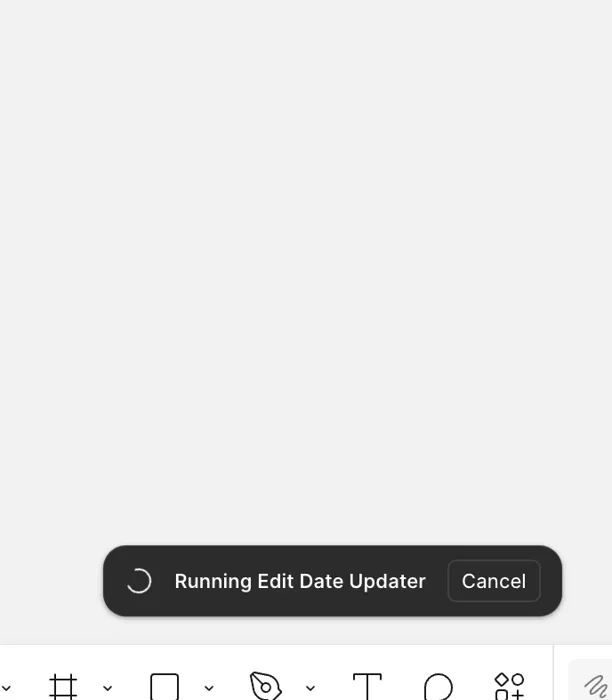
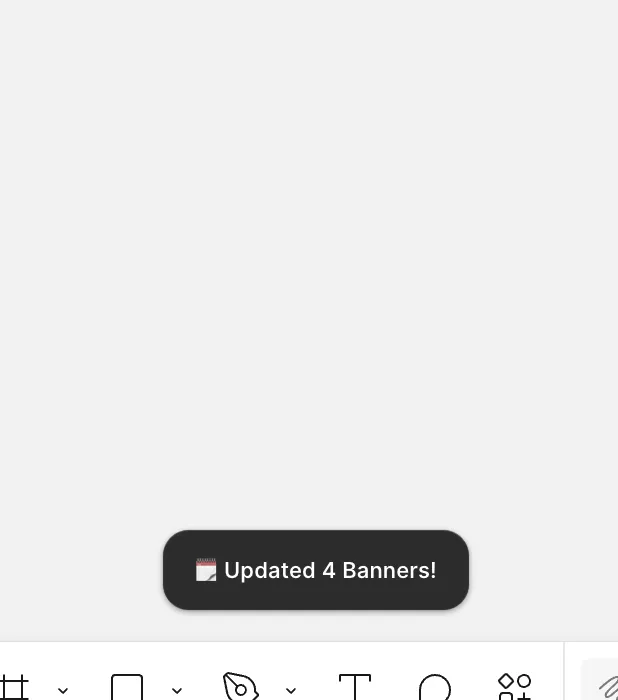
Edit Date Updater runs with no UI except a success banner when it completes
Edit Date Updater runs with no UI except a success banner when it completes
Plugin 3
DS Placeholder Library
DS Placeholder Library
When creating high-fidelity list or grid views with design system components, all inserted components used the same thumbnail. Manually replacing each thumbnail required repeatedly navigating menus that don’t remember their state—clicking, scrolling, searching through the same steps dozens of times.
I built this plugin to quickly insert varied placeholder images from our design system library, streamlining the process for high-fidelity mockups used in user testing and marketing materials.
Plugin 4
Good dates (originally "Insert Dates")
Good Dates
Admin interfaces often display data with timestamps. To make mockups realistic, I needed dates that looked authentic with varied intervals. Existing plugins couldn’t generate sequences.
When designs are realistic, developers make better assumptions about how parts of the design relate and interact, leading to better implementations.
I built Good Dates to generate a series of timestamps with randomised intervals (between 1 minute to 2 days) between each date.
Pattern
The Pattern
I’ve built automations for Photoshop, InDesign, and now Figma across 10+ years and multiple companies.
These tools created value beyond individual users, providing data for the design system team and clarity for developers.