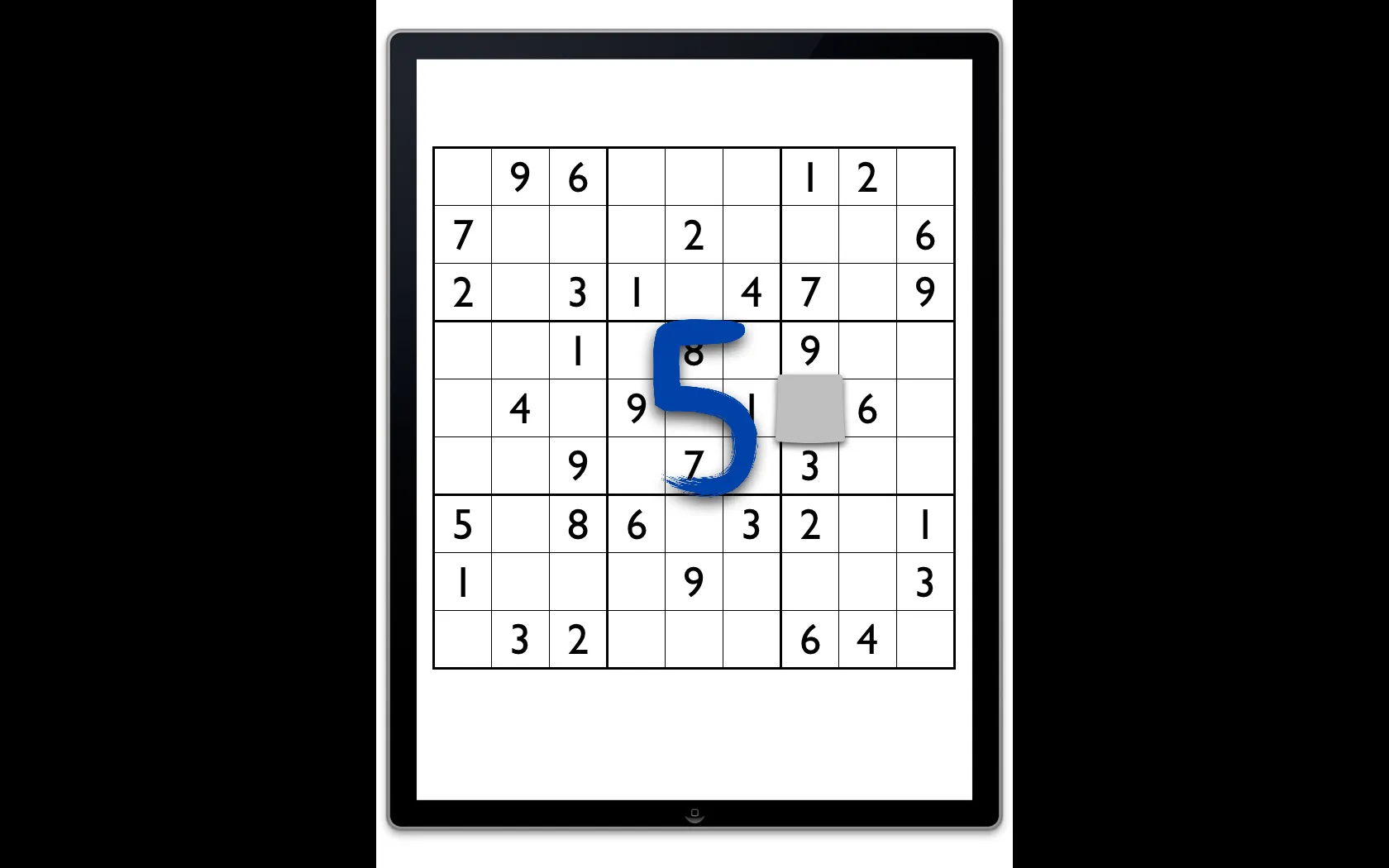
Ten number buttons took too much of the screen. Writing the number anywhere became the input for six more apps
Sudoku Touch was built at Shiny Things to test a handwriting recognition engine in a real game.
RoleDesigner, working with a developer and the founder
Timeline2011–2012
ProductSudoku Touch for iPad, then iPhone
CompanyShiny Things
Problem
Shiny Things had built a handwriting recognition engine and needed to know whether people would use it. Sudoku is nothing but digits, so it was a good test. Ten number buttons take a lot of room, and on the iPhone’s 3.5" screen each one is tiny. In time-trial mode a wrong tap costs a penalty.
Solution
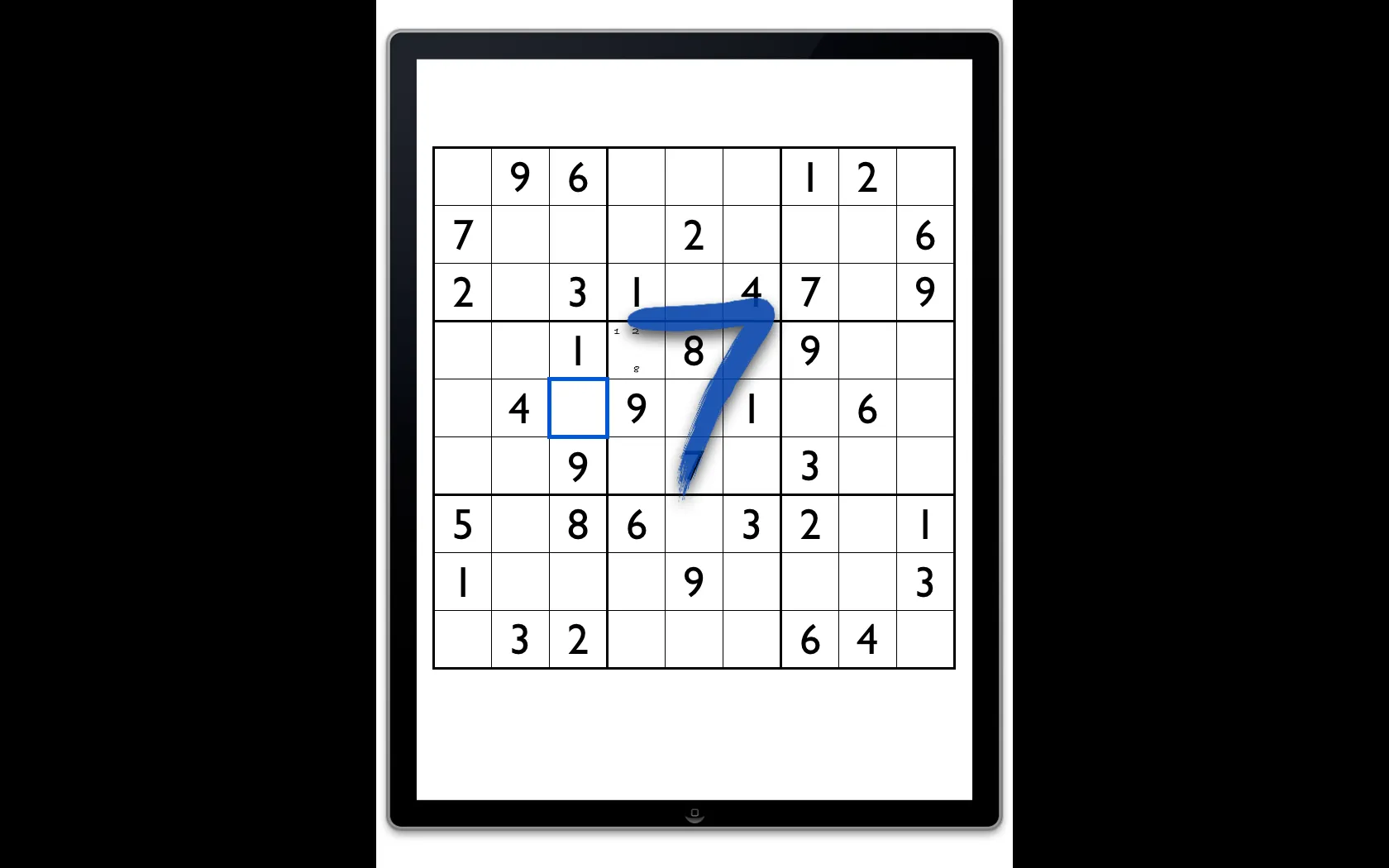
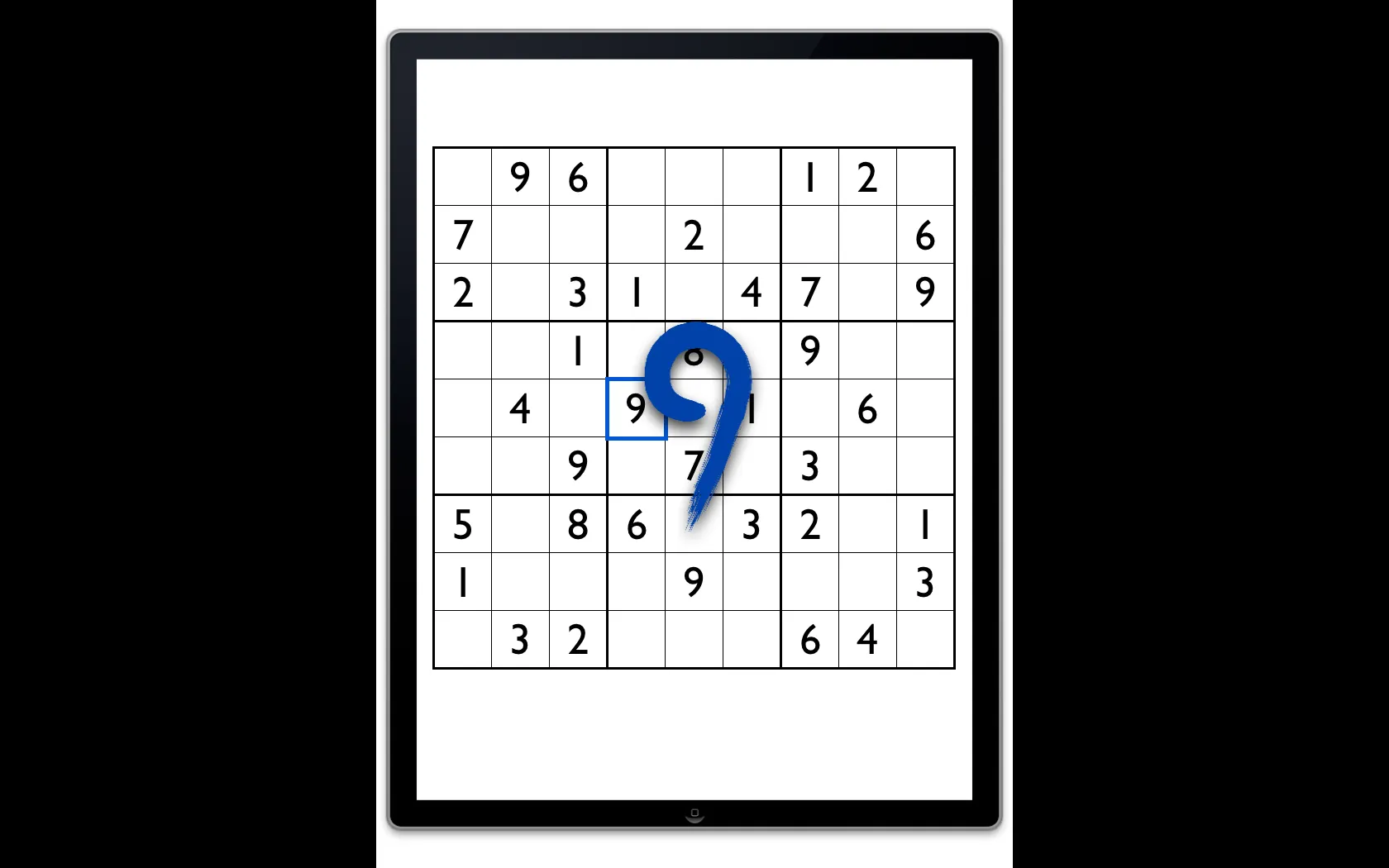
I designed an input where you write the number anywhere on the screen, as large as you like. With no input pad, the whole screen goes to the board.
Constraint
Bigger buttons meant a smaller board
Apple recommends 44 point touch targets. Ten of them take over the screen, and making room for them shrinks the board. The squares were already under 44 points, but a missed square is easy to fix and isn’t penalised. A wrong digit is, so input was the part that needed the room.
Concepts
Four ways to enter a number
Touch screens were new, and button pads still shaped my first ideas. Handwriting recognition was immature, but needing only a few characters kept misreads down.
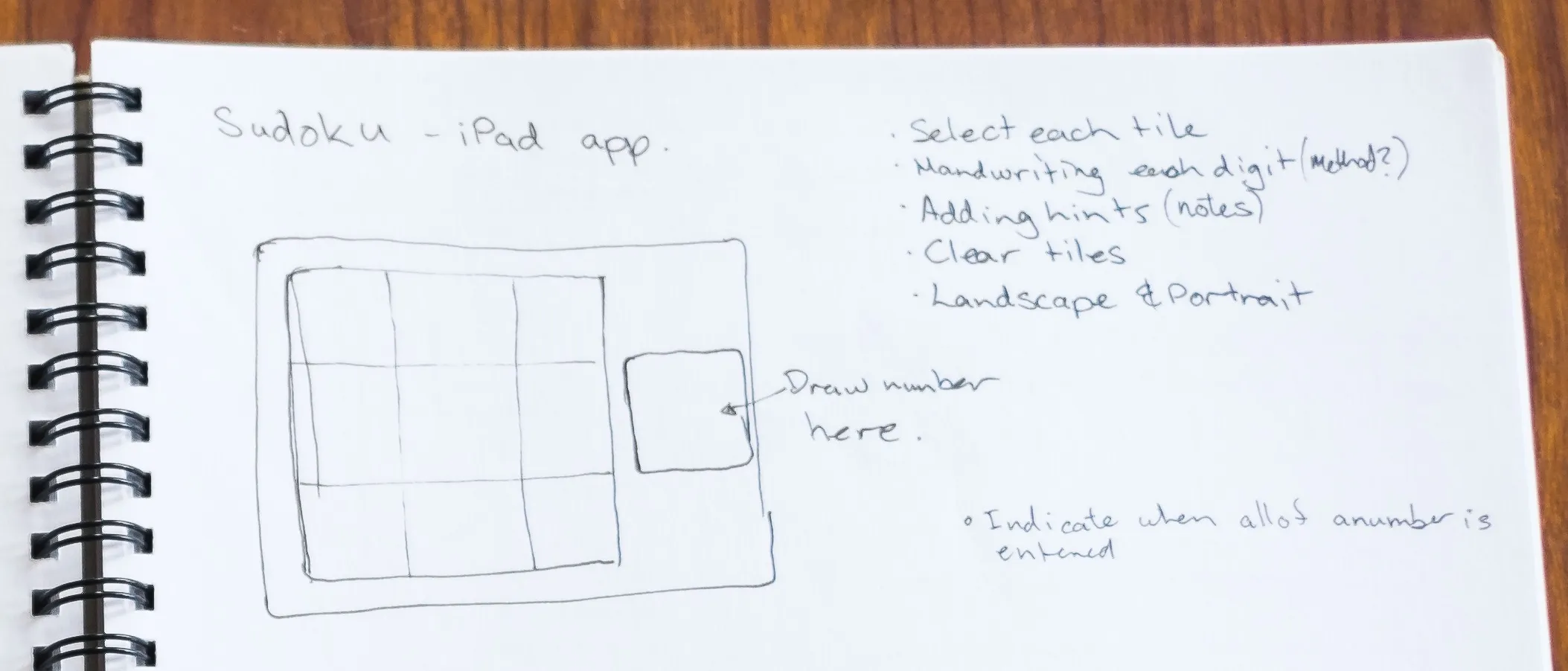
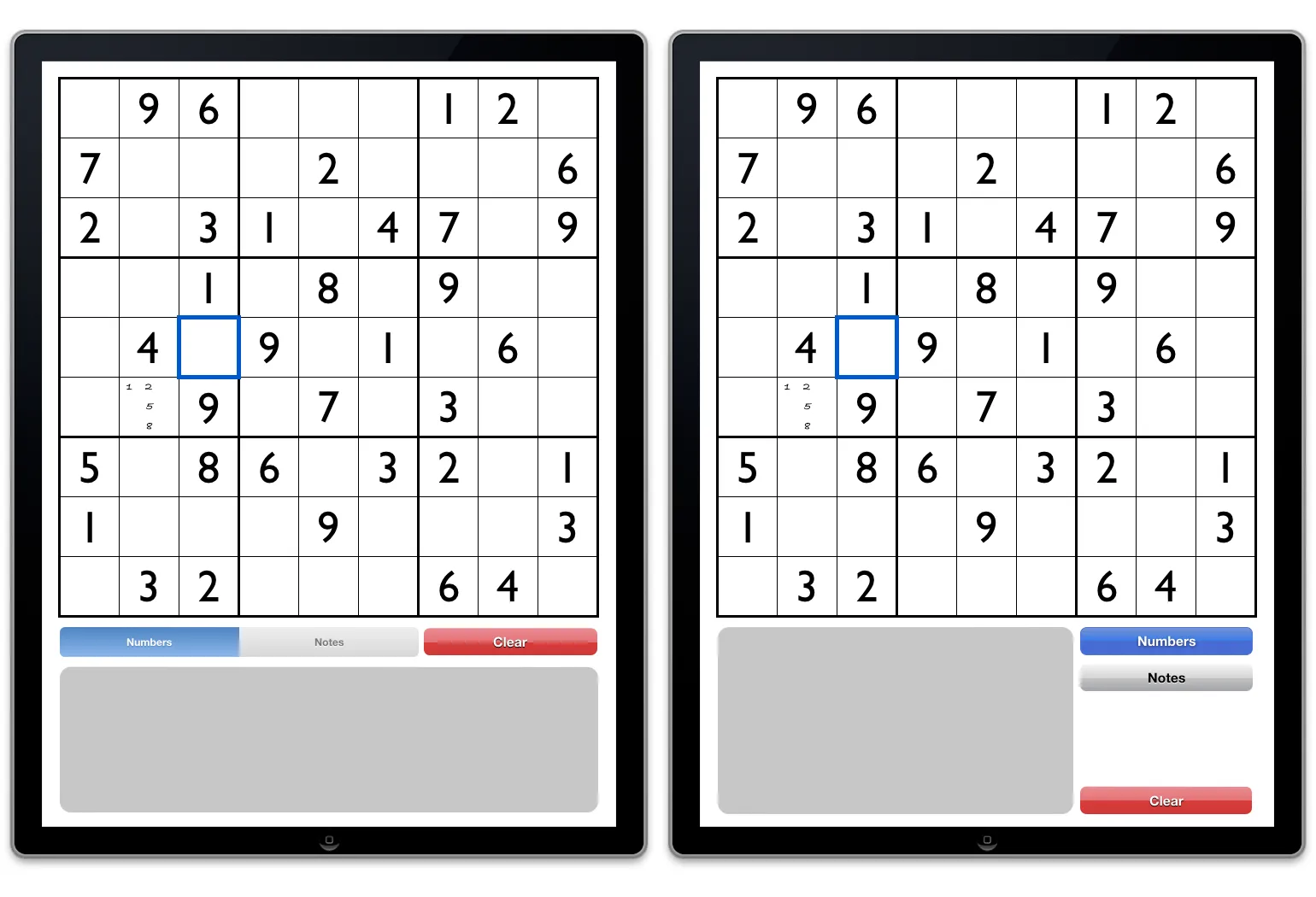
Pad beside the board: favoured right-handers, and a left-handed mode went against keeping it simple.
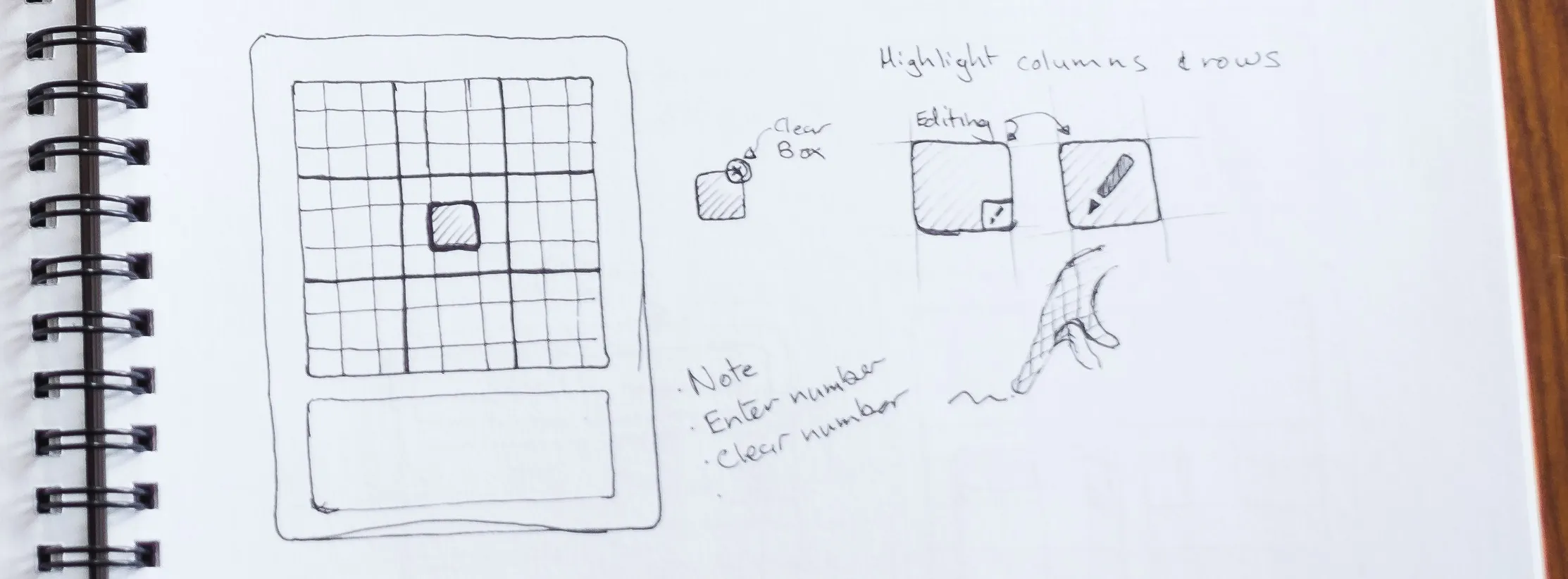
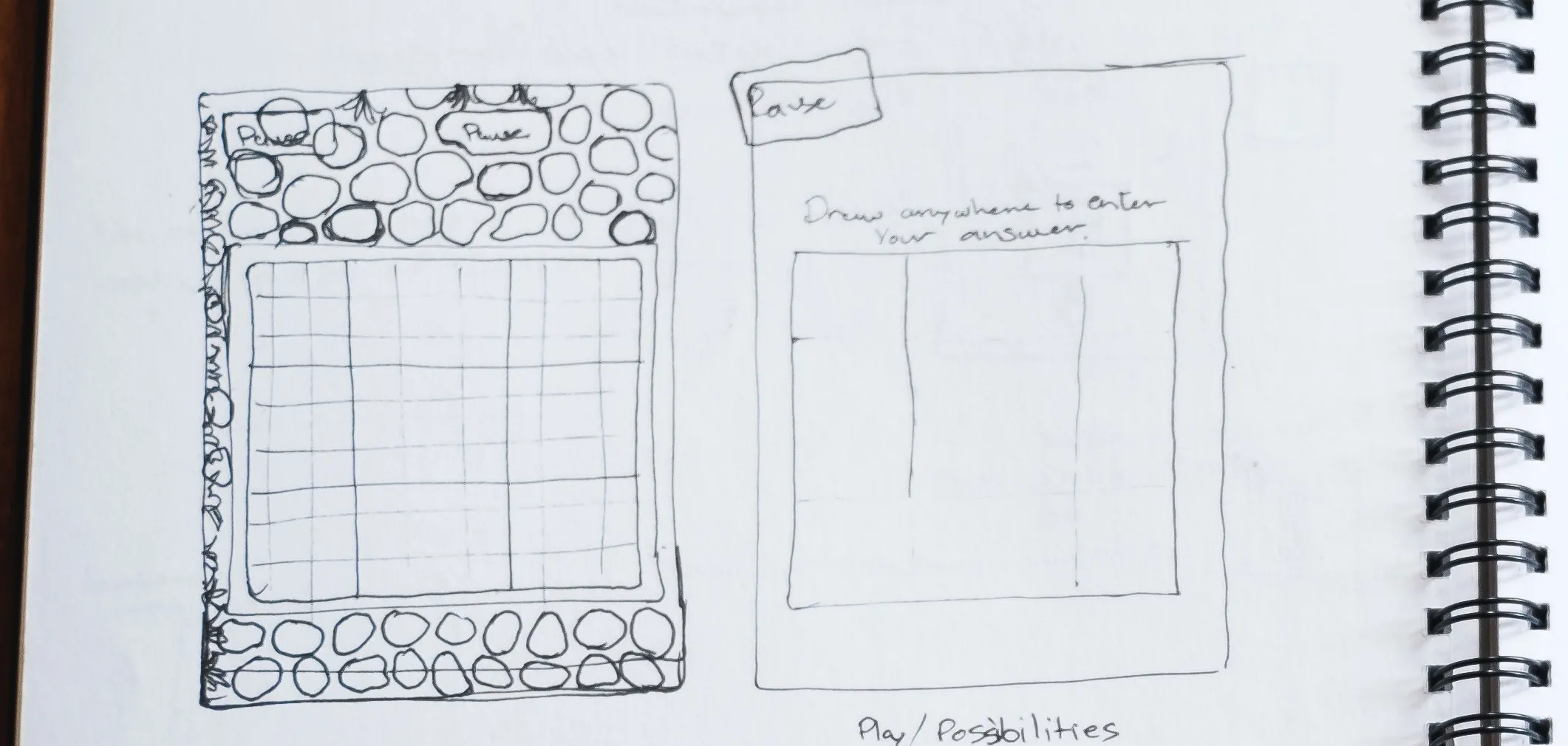
Pad below the board: suited either hand, but a player racing the clock would brush the board and enter numbers by accident.
Wireframes for the pad below the board: I took this concept as far as wireframes before dropping it.
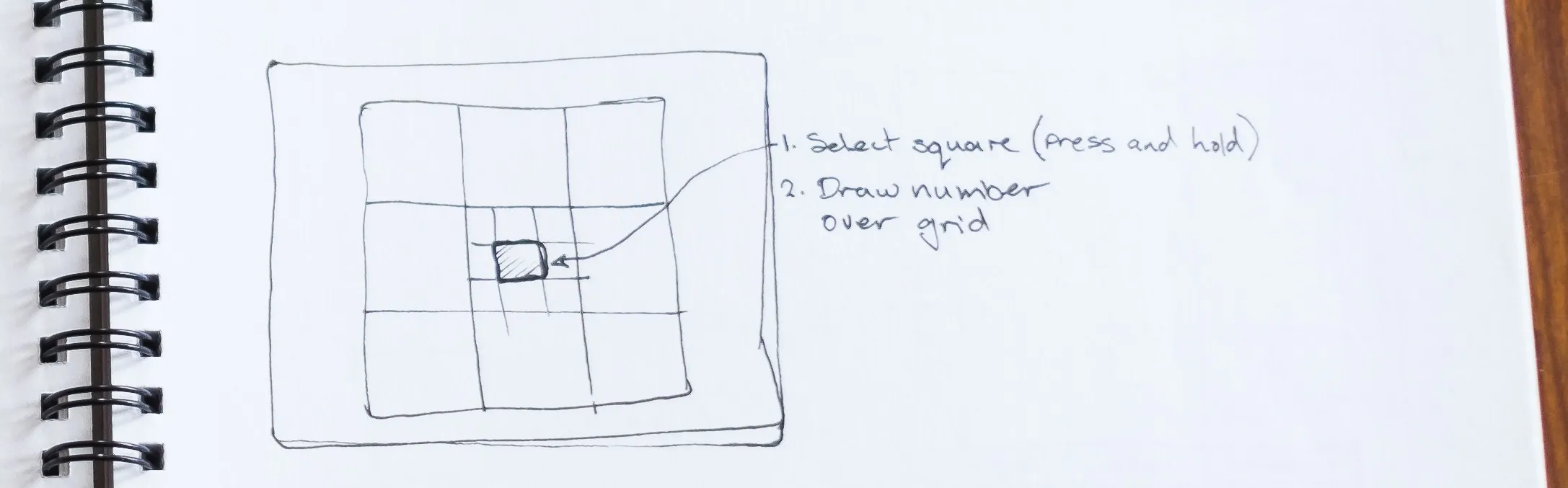
Write on the square: direct manipulation, but even on an iPad the squares were too small to write in.
Write anywhere: obvious in hindsight, and the one I took forward.
Gestures
Writing had to share the screen with every other touch
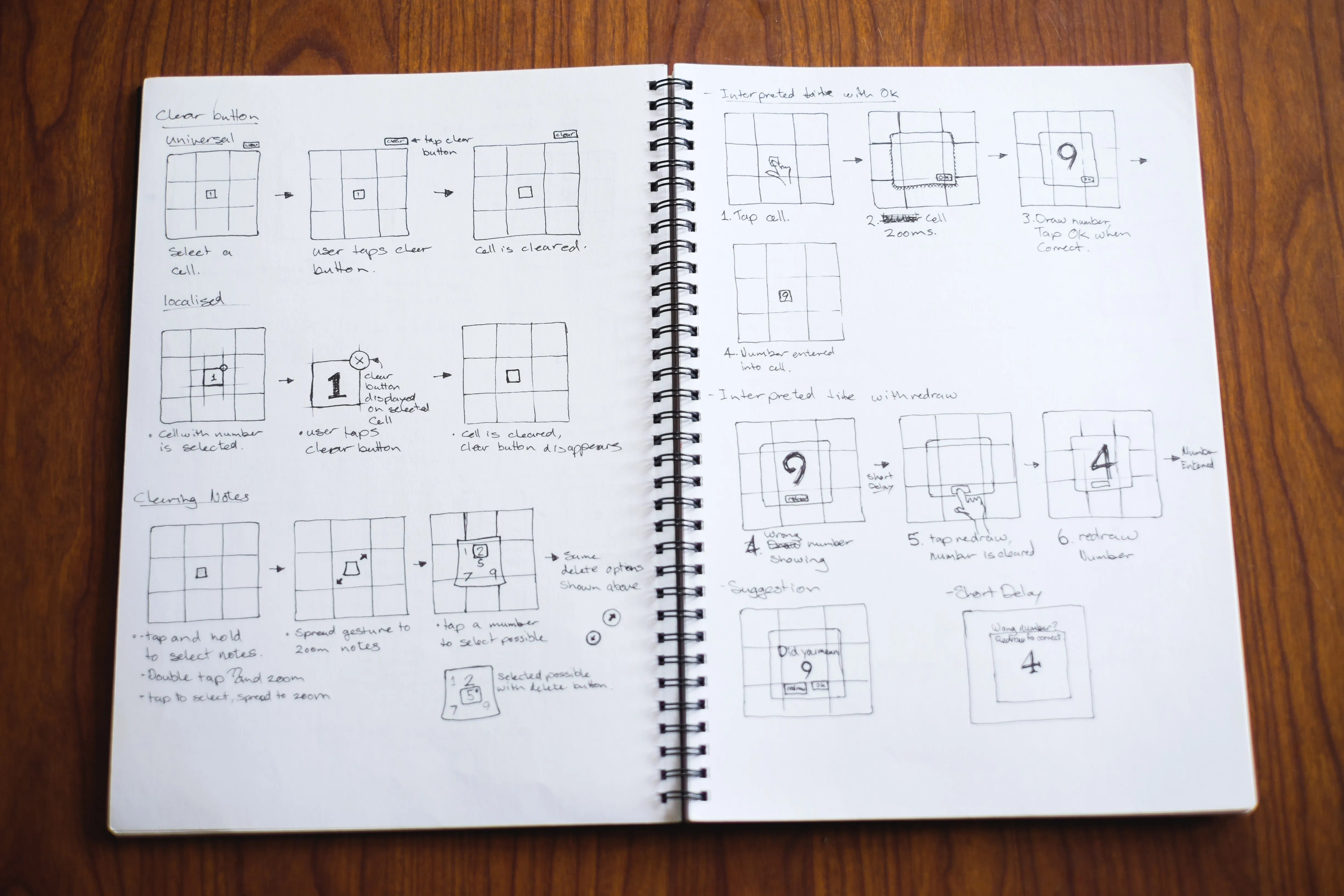
I mapped every gesture so none clashed, and built click-through prototypes in Keynote to test how to enter and clear numbers and notes.
Explorations: clearing numbers and notes, and confirming what the engine read.
Final flows
One gesture to enter, a few taps for the rest
Tap to select a square, write to enter a number, and write again to replace it. A two-finger swipe clears it. Double-tap switches to notes, which use the same gestures. Beyond writing, the game needed only taps and one swipe, so the interface stayed minimal.
Entering a number
Replacing a number
Entering a note
Numbers being entered in a Sudoku Touch game
Outcome
The input design outlived the game
Sudoku Touch launched in May 2012 and is no longer available, but its input design was used in all of Shiny Things’ maths apps. In Quick Maths, speed runs became a challenge in their own right (watch a speed run).
Testing was informal, so I can’t put a number on how much more reliable writing is than tapping. I’d run the same time trial against a button pad and compare errors.
6 more apps
Quick Maths, Quick Maths Plus, Quick Maths Jr, Quick Clocks, Quick Fractions and Shape Lab reused the input design
Under 10 seconds
Some Quick Maths players finished ten arithmetic questions in under ten seconds. My best was about twelve
In testing with friends and family, children and adults learned to play quickly and found writing numbers easy