Garden Gnome · Personal project
A garden planner I designed and built, now in daily use on my front and back gardens
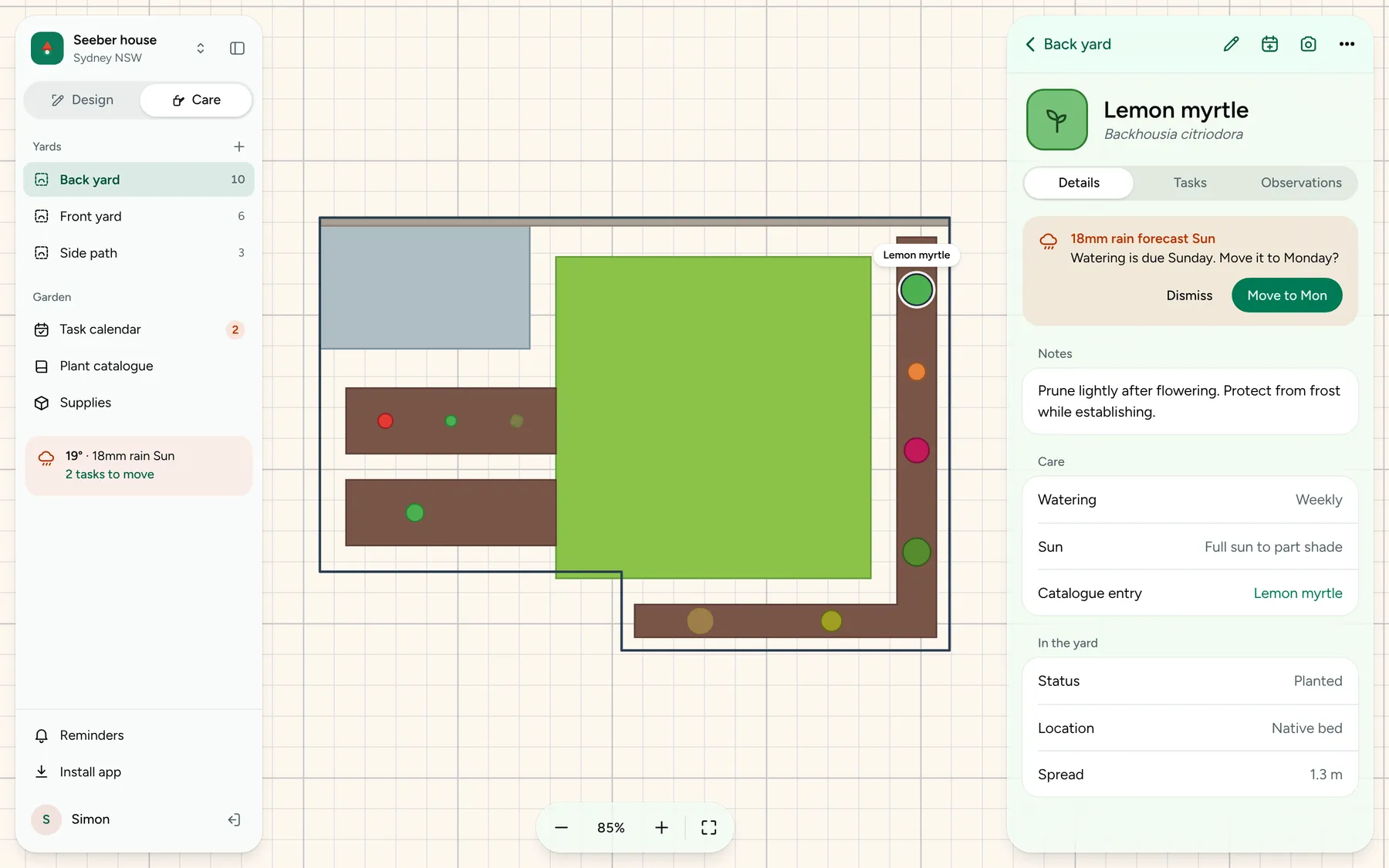
Garden Gnome draws the yard to scale, tracks every plant, and moves the watering around the forecast.
Before & After
Problem
- I wanted to design my garden to scale, and nothing let me.
- Freeform could sketch a yard but knew nothing about plants. The App Store apps were vague about them. The calendar I tried wasn’t flexible enough.
The Redesign
Solution
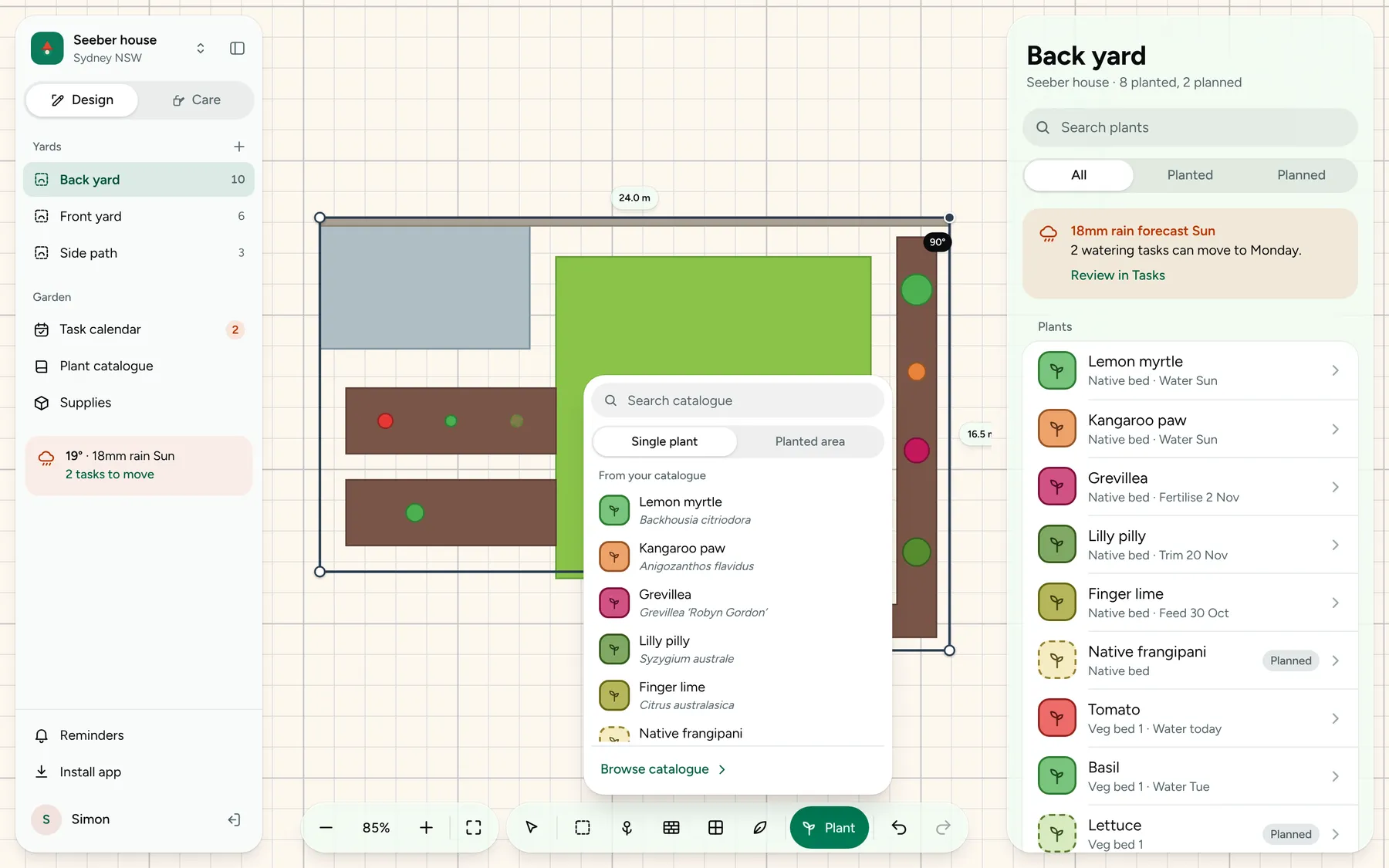
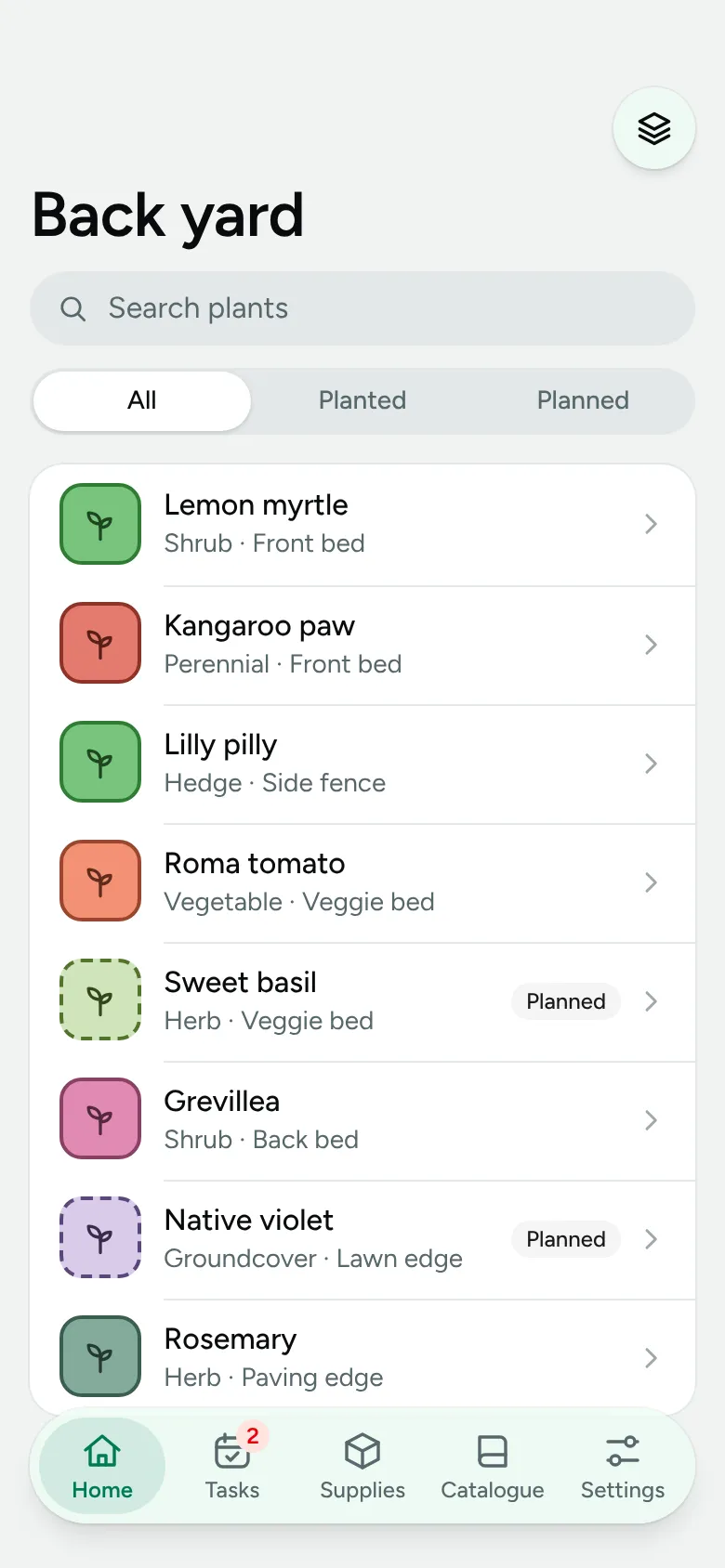
A yard you draw, with plants placed in it, care schedules attached to each one, and tasks that read the weather forecast. Claude can read and write the same data.
The yard
A sketch, not an architectural drawing
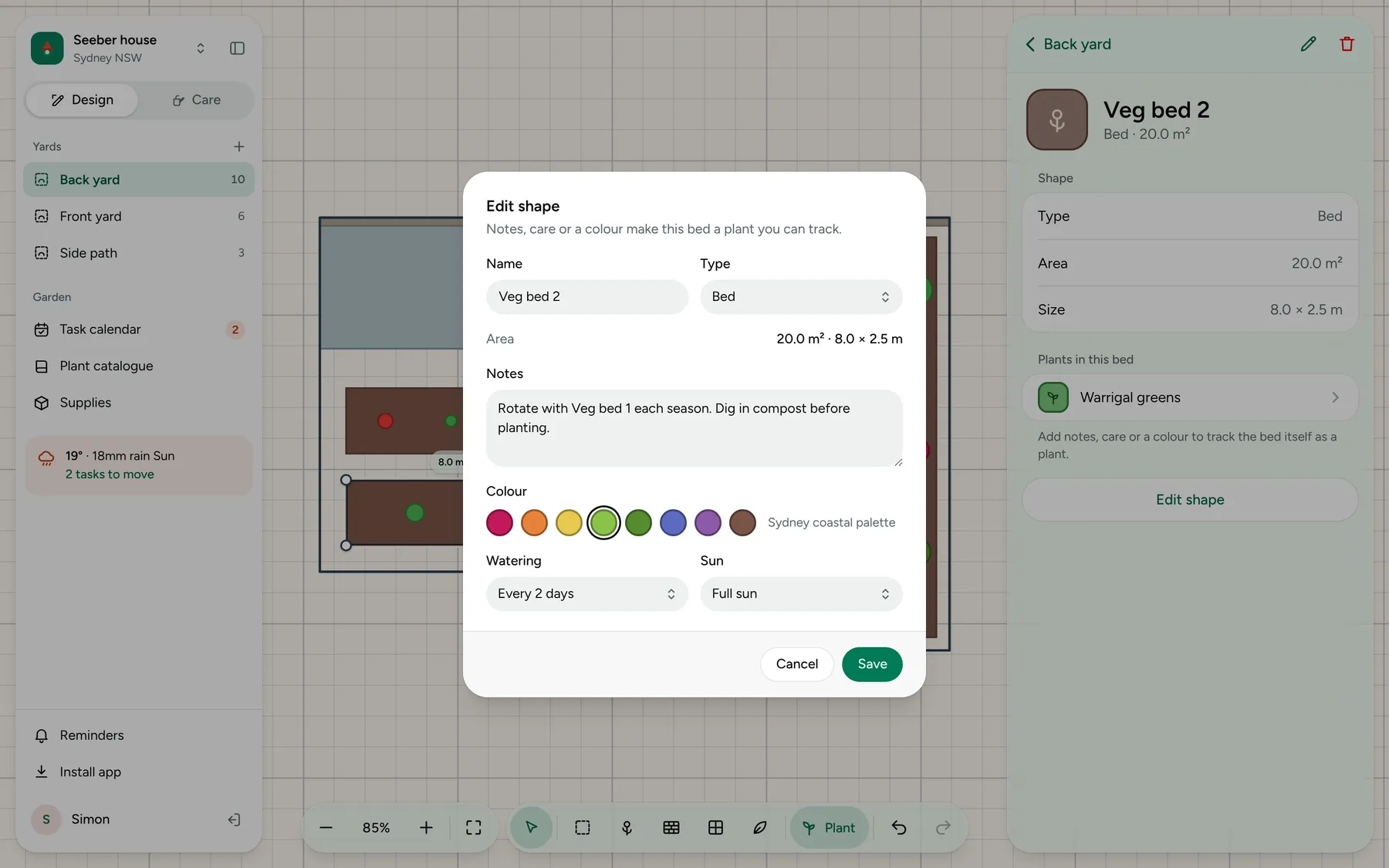
Nodes snap to 10 cm, and a typed length overrides any edge. No curves, on purpose.
Care
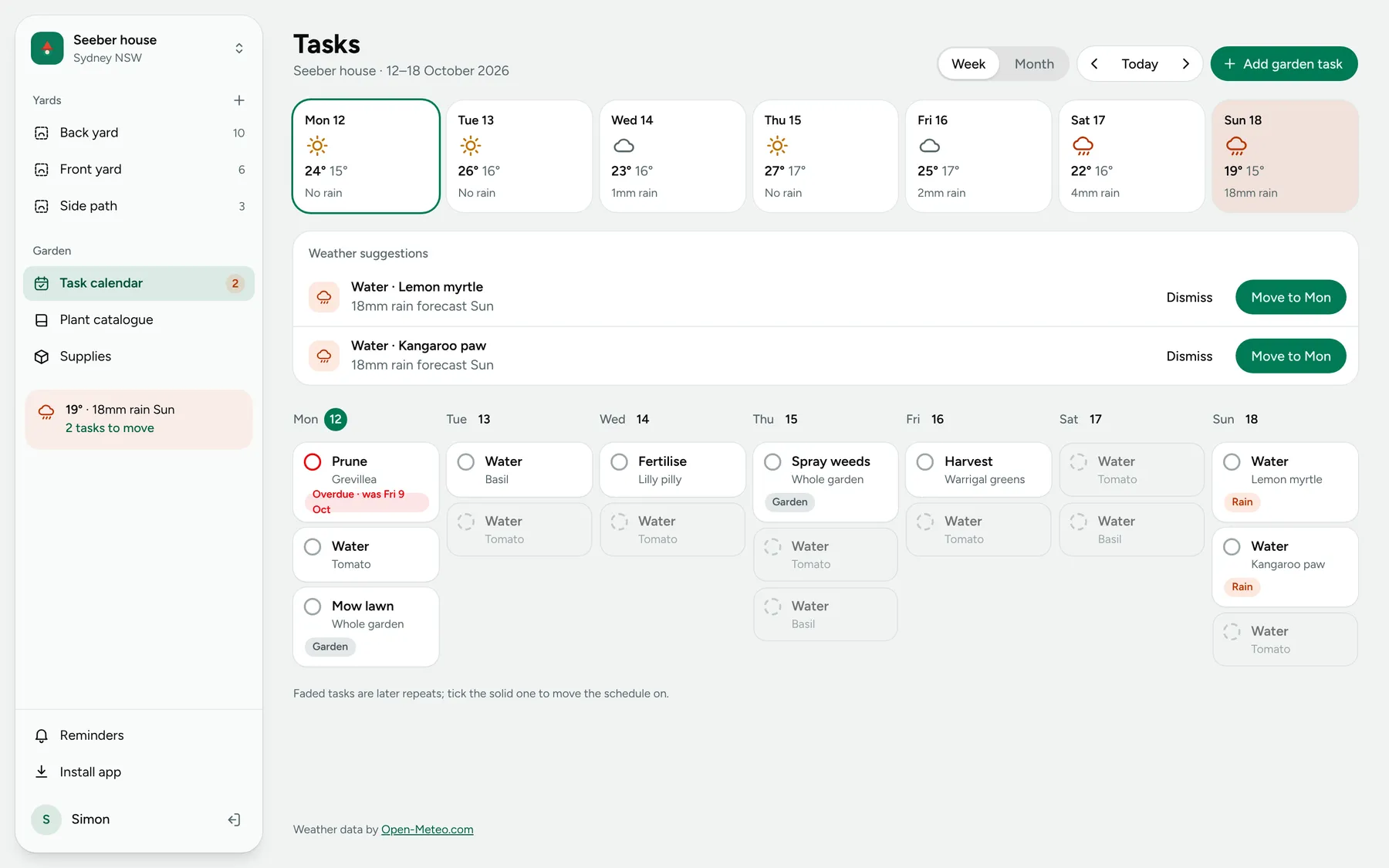
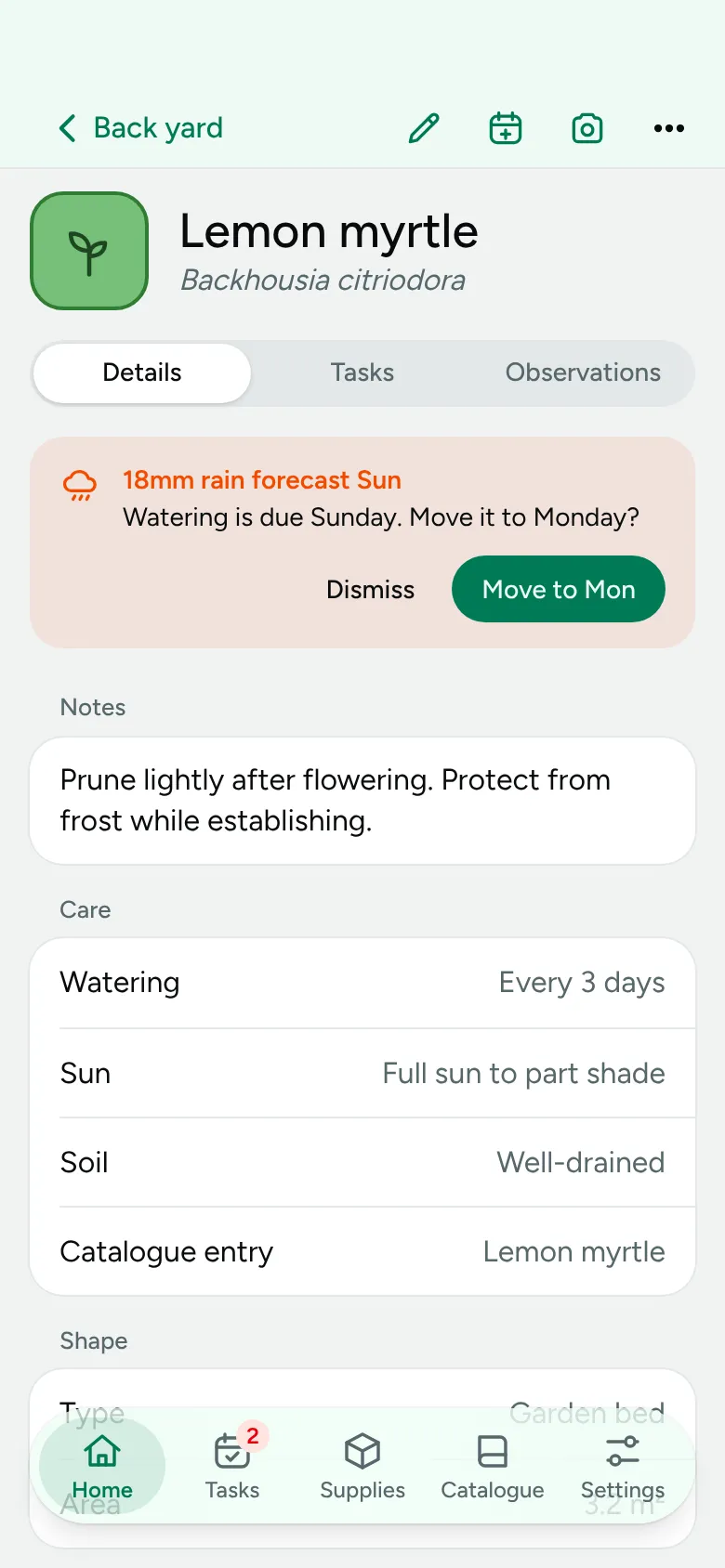
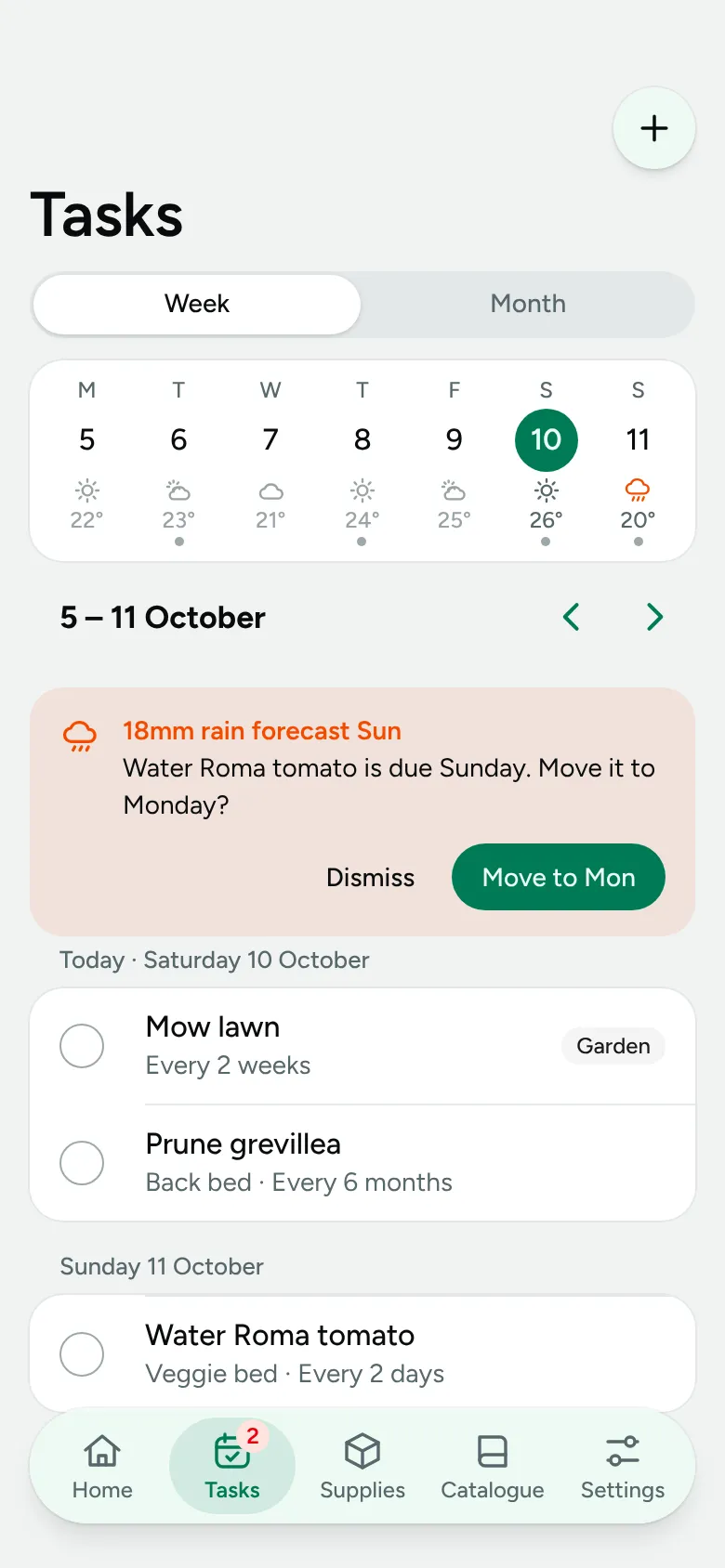
Tasks that read the forecast
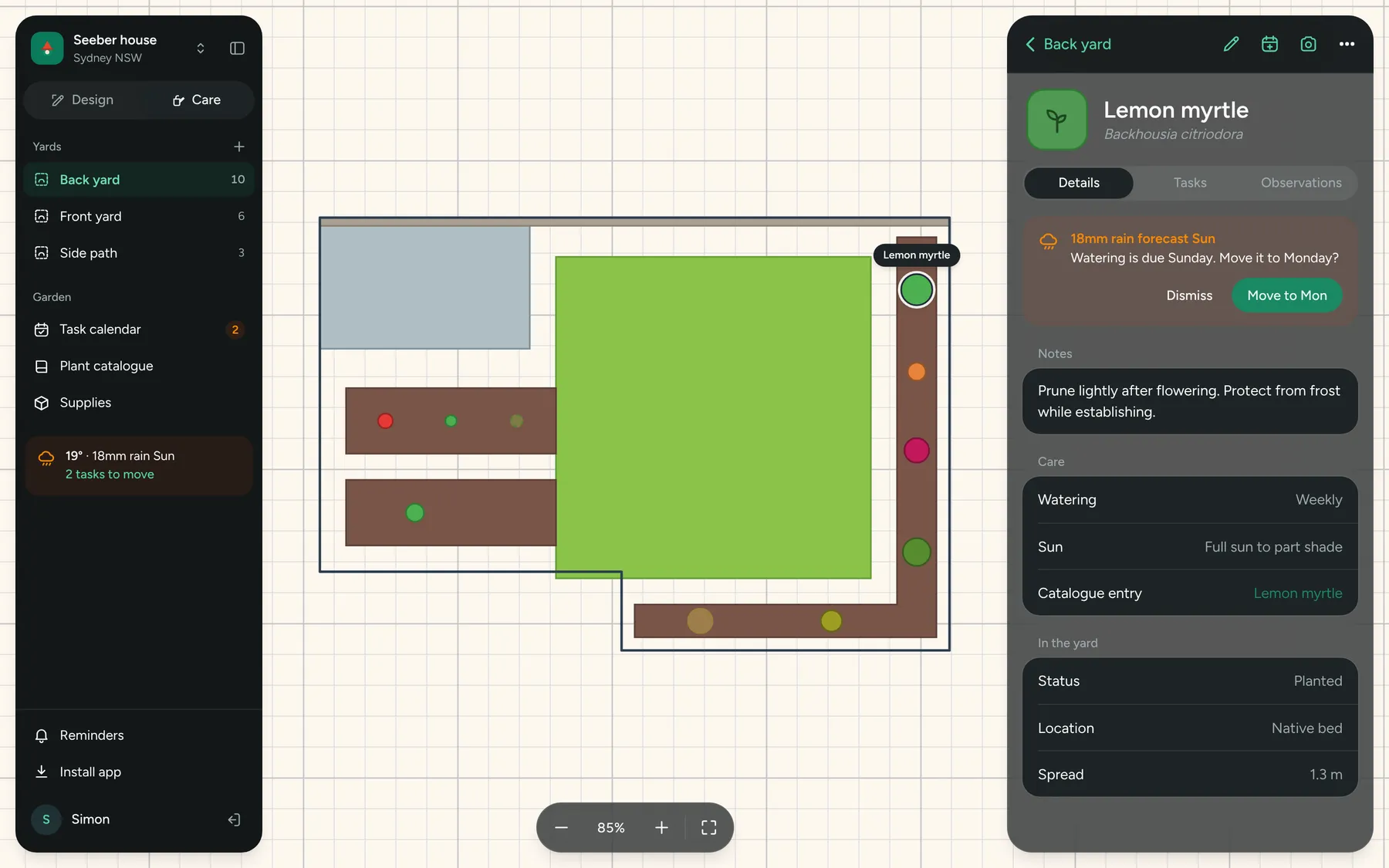
When 18 mm of rain is due on watering day, it offers to move the task.
Calendar
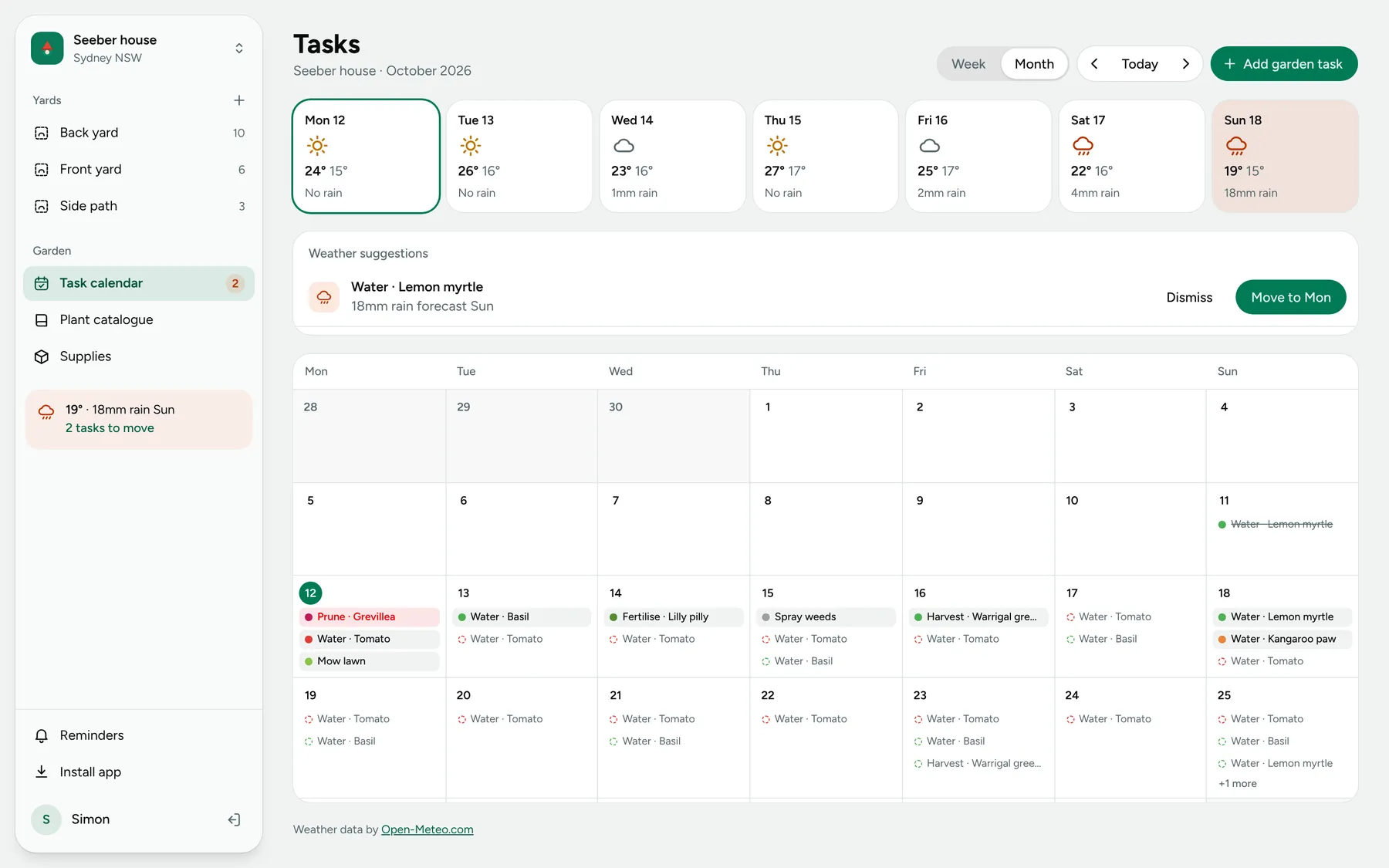
Week or month, with the weather in view
Data
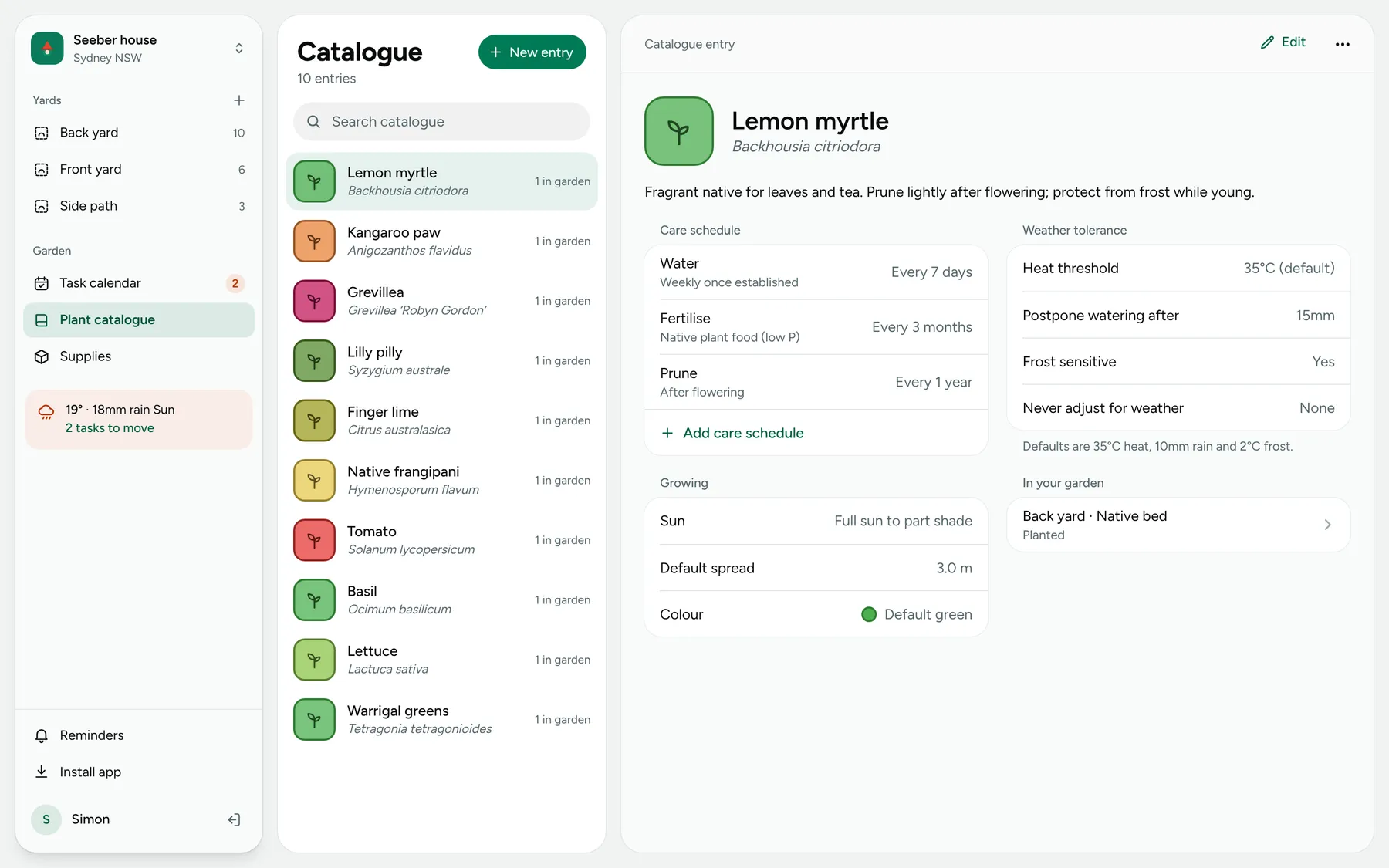
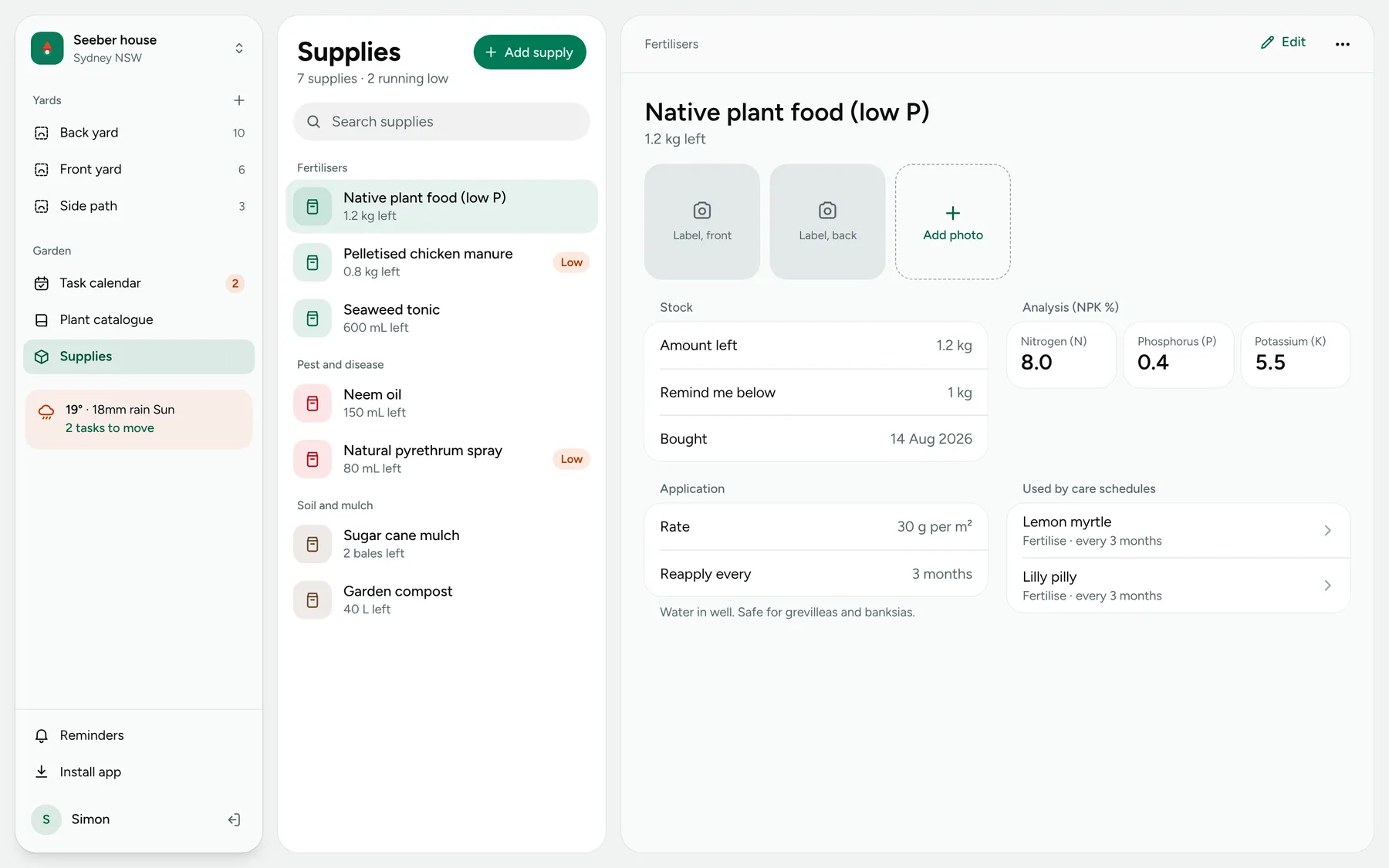
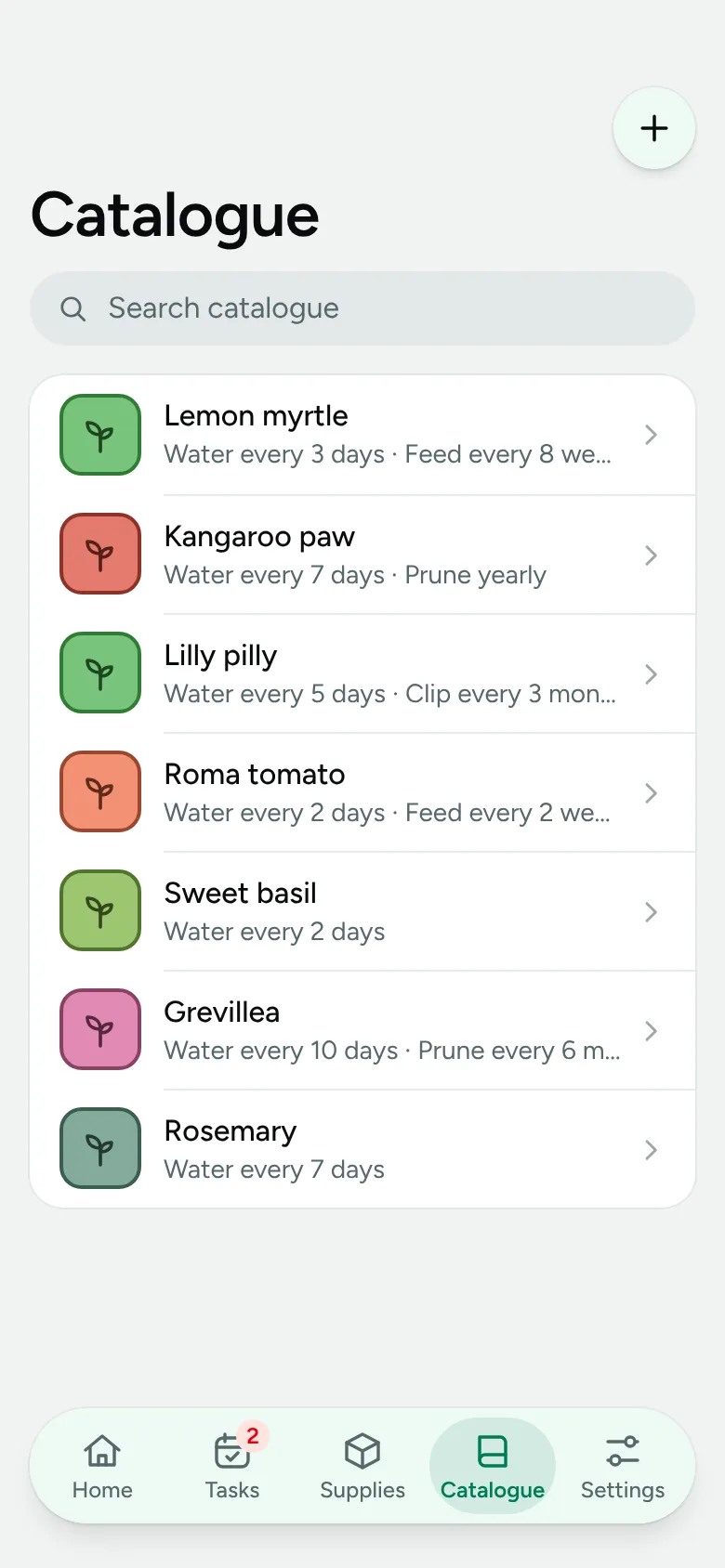
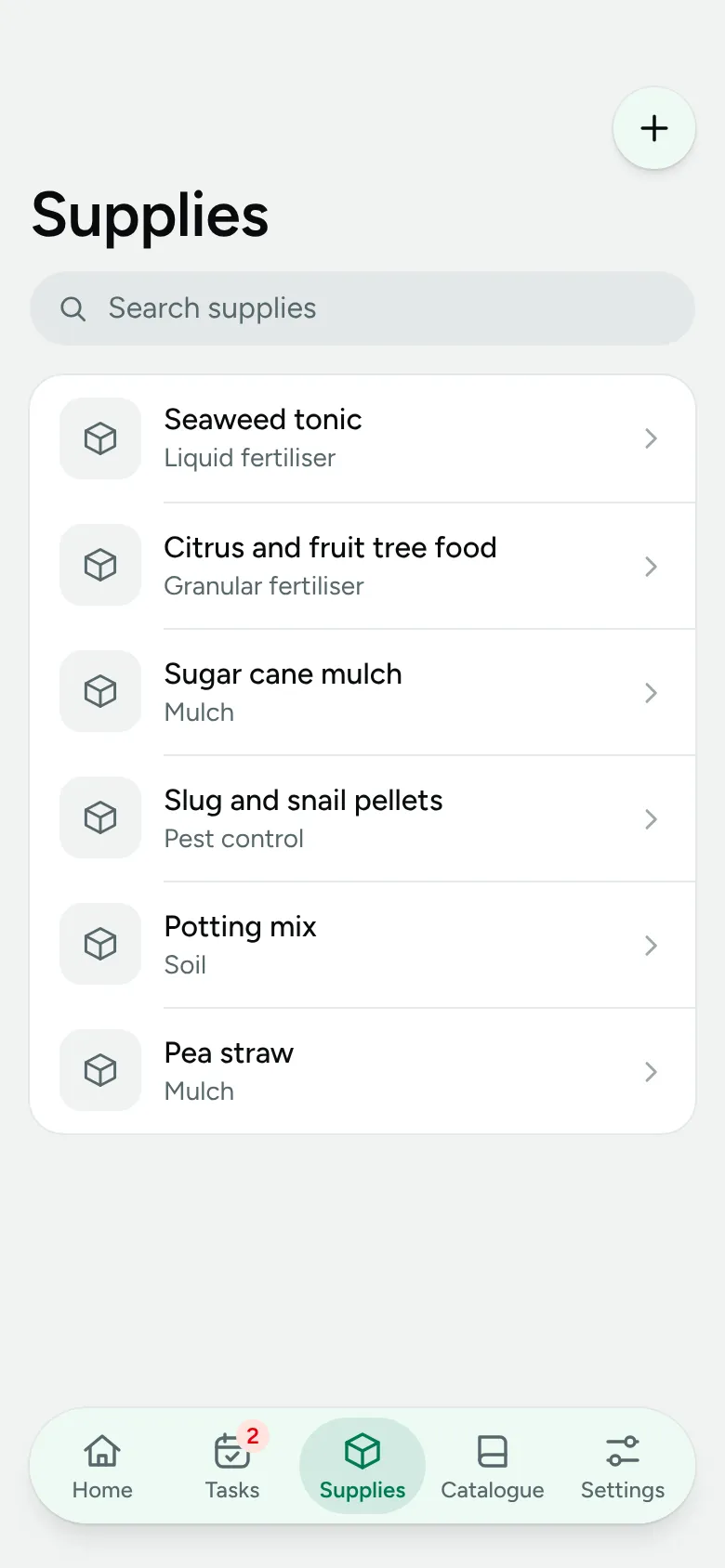
Catalogue and supplies
Each plant points at a catalogue entry that holds its care schedule and weather tolerance. Supplies feed those schedules.
Mobile
One product, two shapes
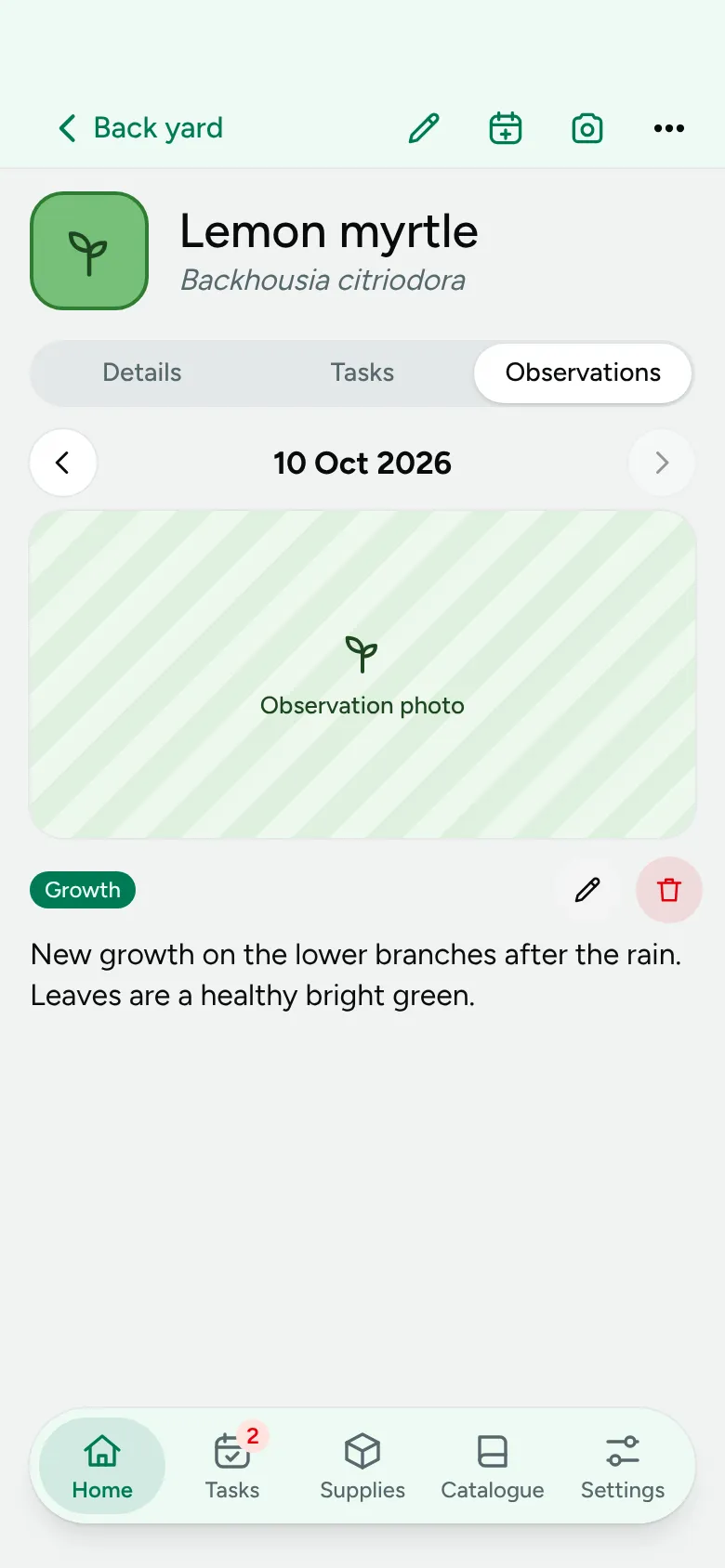
The same data, laid out for a phone in the garden.
Scope
What I chose to leave out
Rectangles and circles came first, then polygons, snapping and cloud accounts. Undo arrived with the polygon yard editor in July 2026. A plant encyclopedia, a zoomable canvas and fully weather-driven schedules stayed out of scope.
Claude as a data source
An MCP server for the same data
Claude can read and write plants, tasks, supplies and observations, with the same security rules as the app.
Constraint
Working inside a usage cap
A weekly token limit means constantly trading new features against bugs and UX. I build the core loop first and polish after.